What is Conclude Connect?
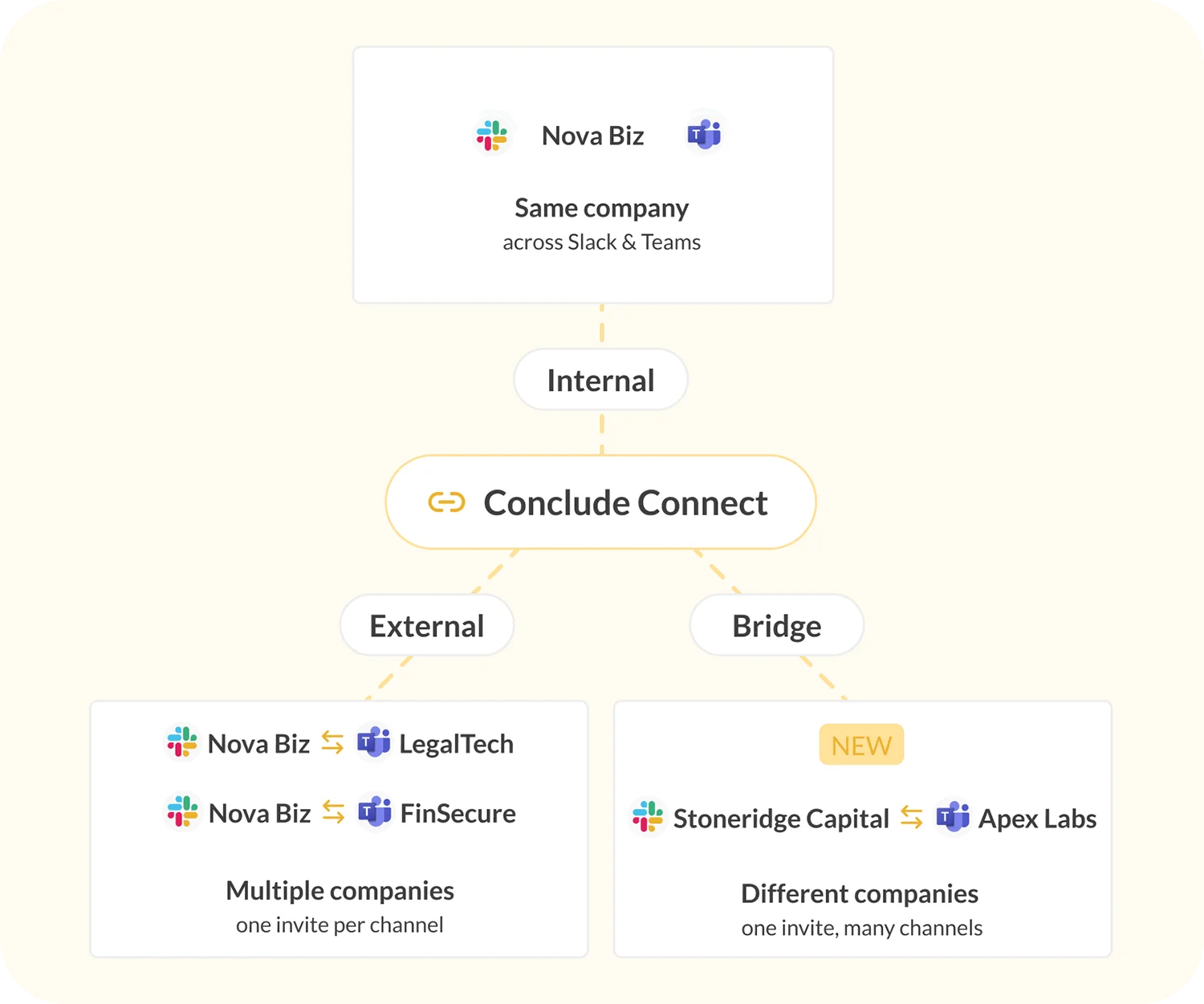
Conclude Connect is a Slack and Microsoft Teams integration that connects both messaging platforms for better cross-team collaboration. It includes solutions for workplace, customer or client, and intercompany collaboration.
Sync messages and files between Slack and Teams in real-time by linking chats and channels on Teams and Slack. Connect with colleagues, or collaborate with customers and other companies during mergers and acquisitions.




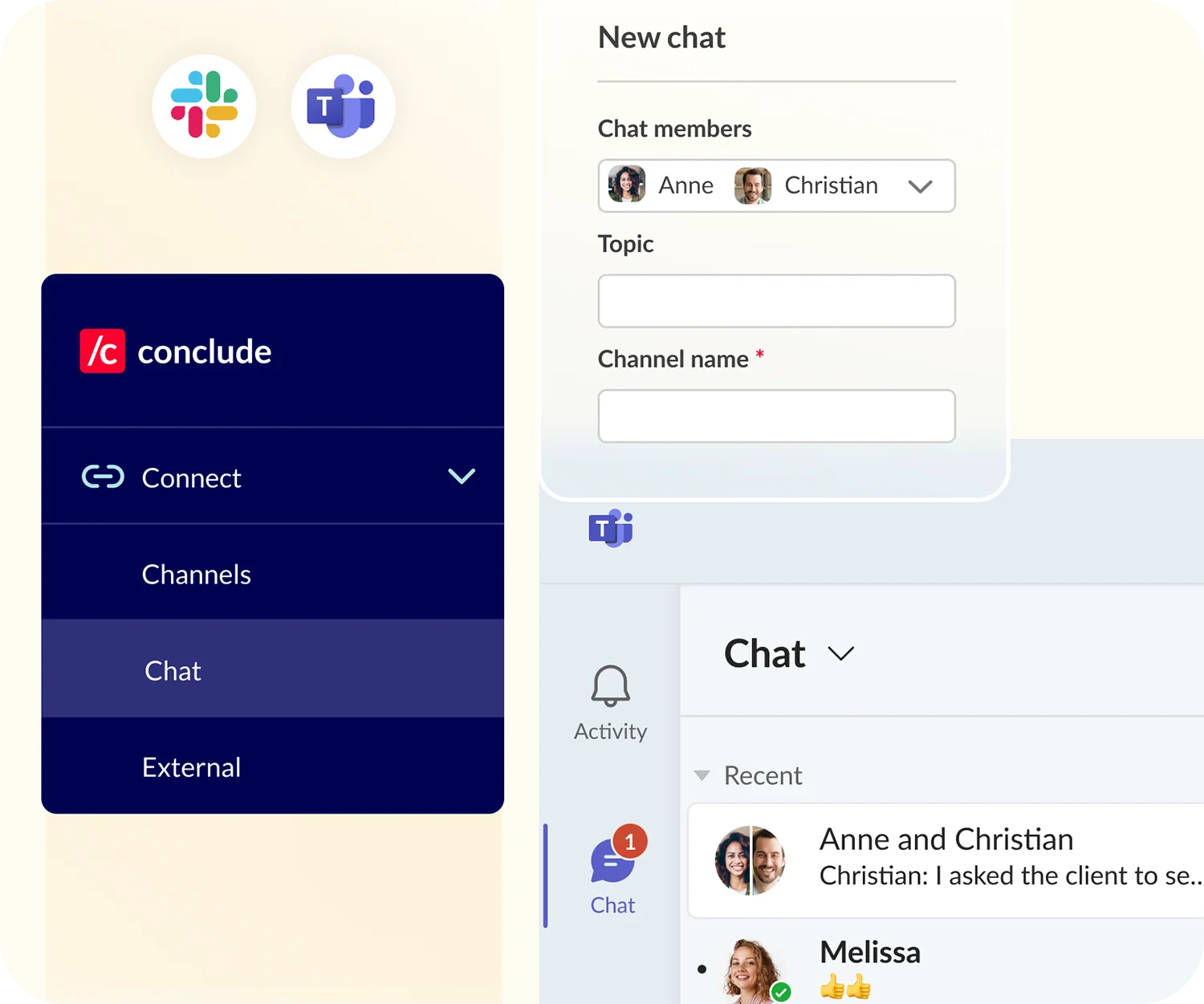
Reduce workplace chat silos
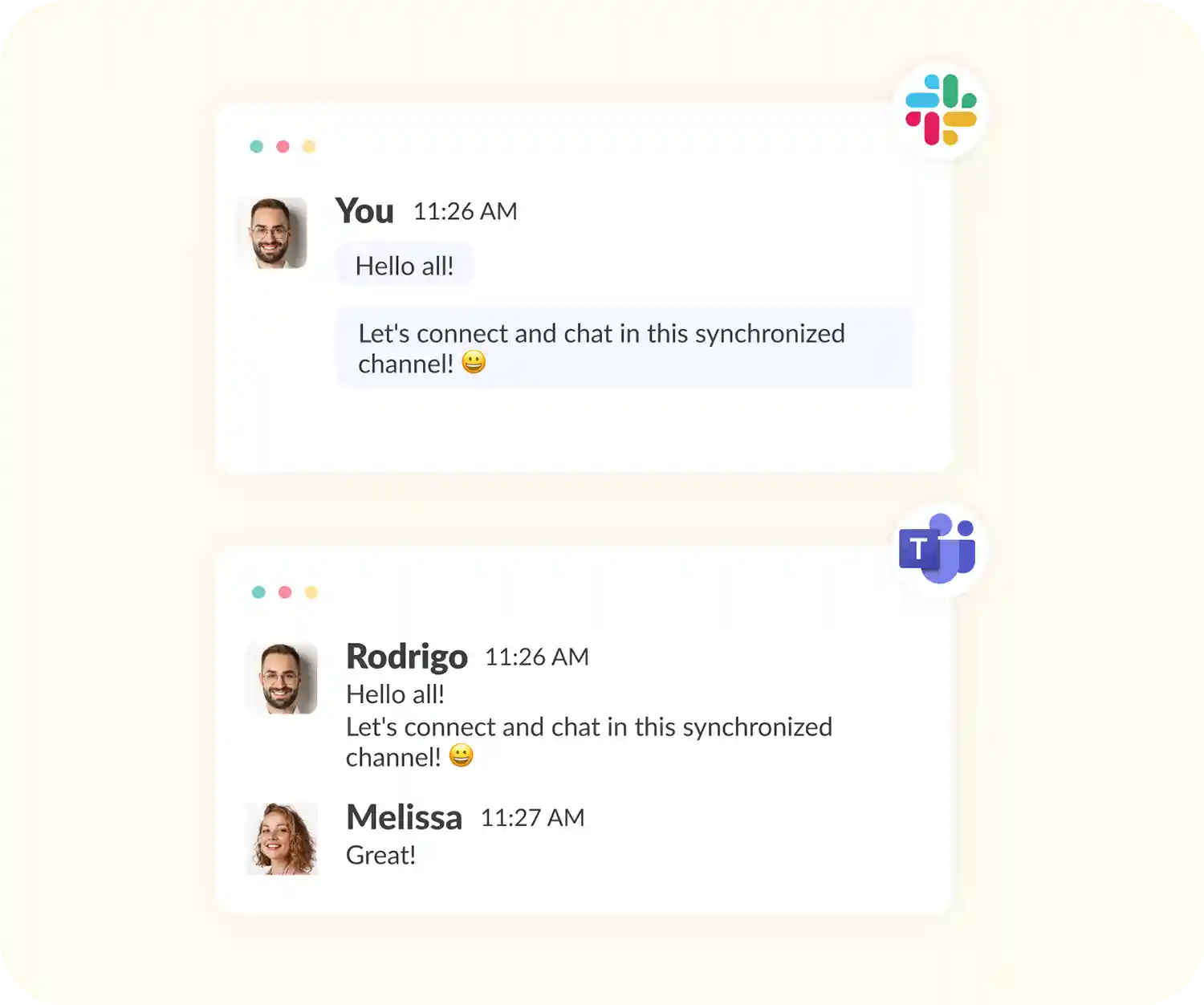
Use a Slack and Microsoft Teams integration to reduce workplace silos. Set up group chats and messages by connecting Teams chats to Slack channels, so no messages are missed.
Keep communication flowing without toggling between different programs. Whether you’re chatting with one person or many, everything stays up to date.
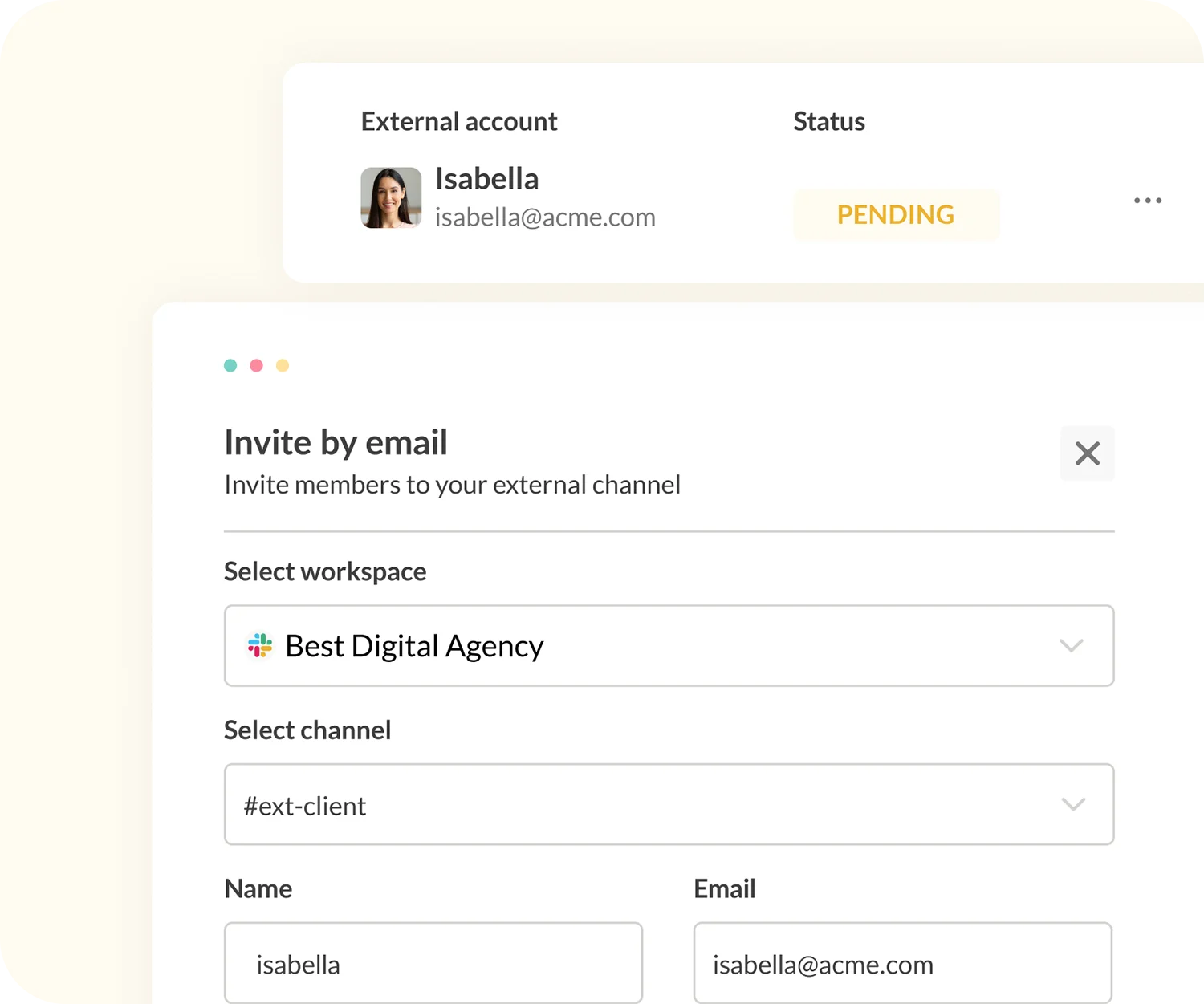
Collaborate with partners and clients
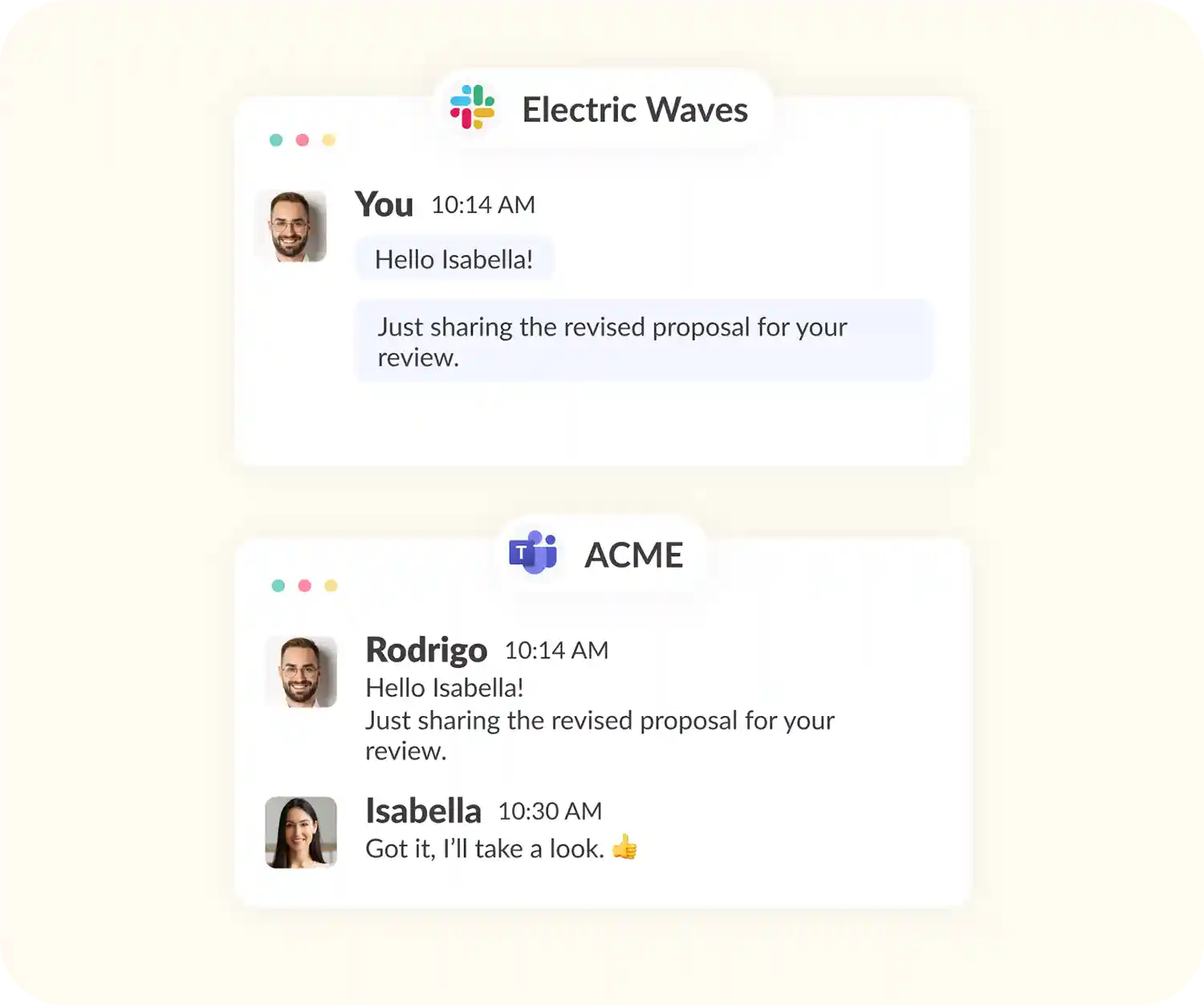
Communicate with your partners, clients or vendors. Reduce reliance on email by syncing channels between Slack and Microsoft Teams, with real-time message and file sharing.
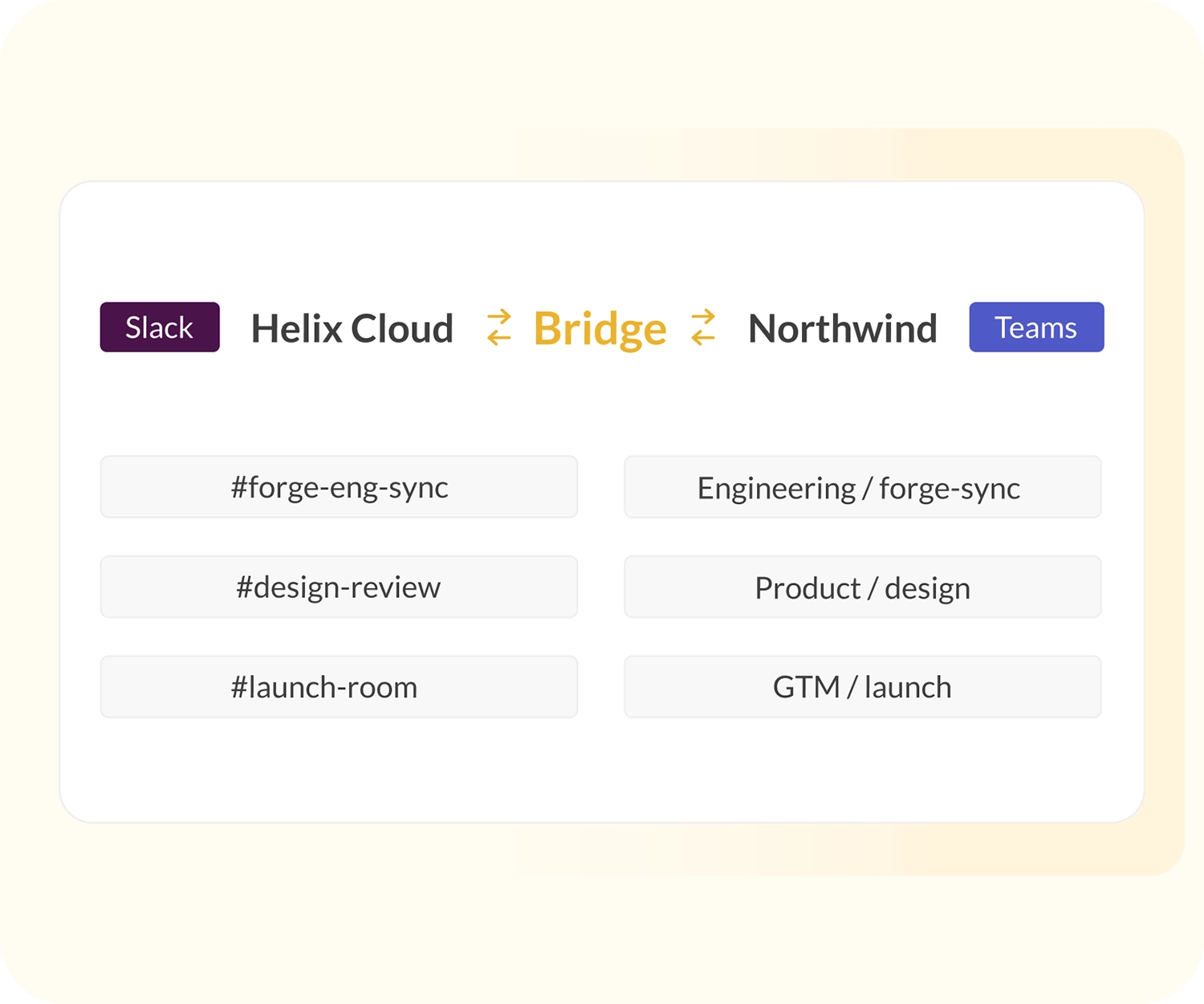
Invite contacts via email and set up a shared channel connection for faster and more effective collaboration. See Conclude’s Bridge solution for multiple channel connections with one invite.
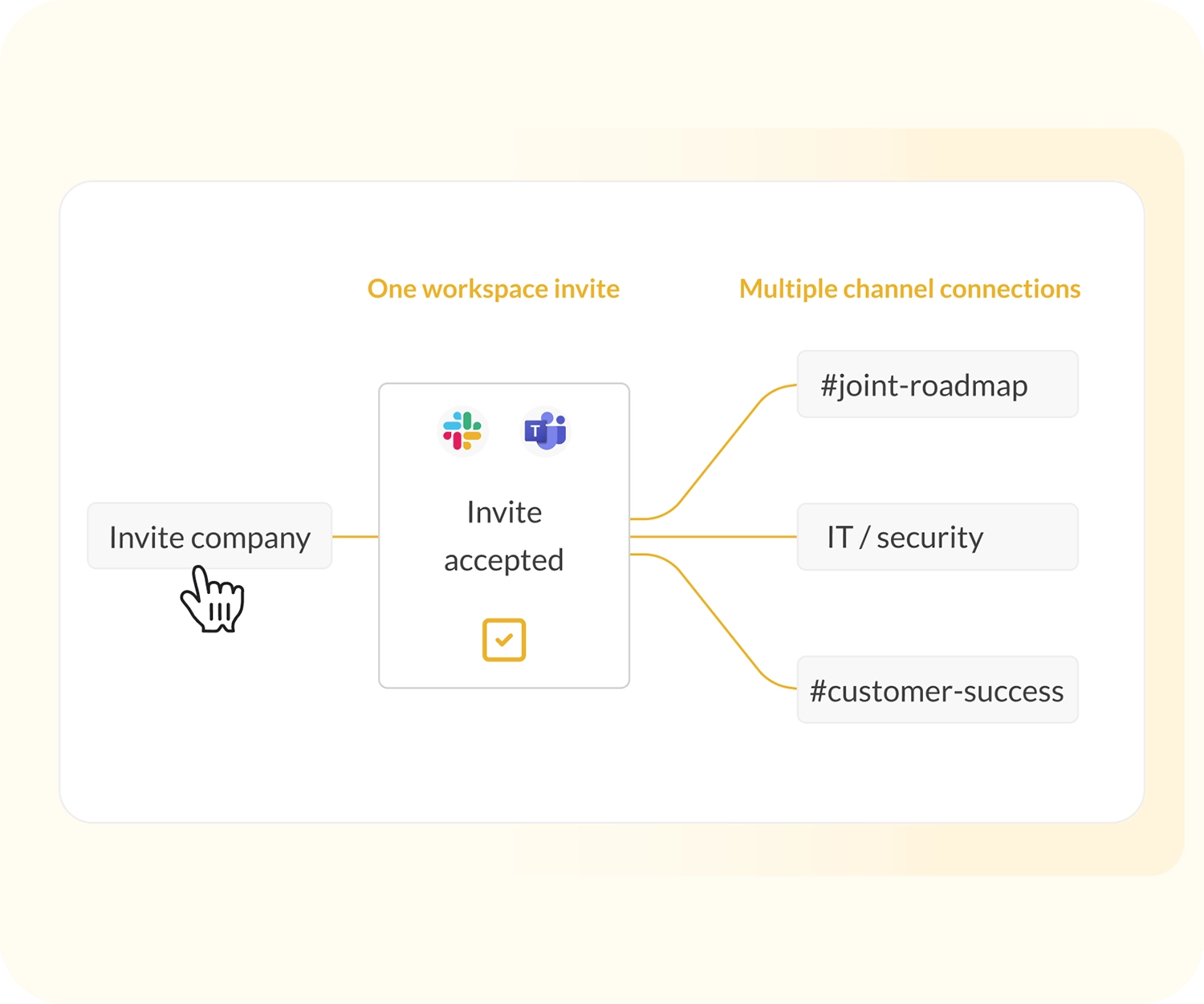
Set up an intercompany bridge
If you want secure company-to-company collaboration, with multiple channel connections, Bridge is the right solution.
Sending one invite enables workspaces to be connected – but no information is shared until you approve the selected channel links. Conclude provides granular security controls per channel connection for files, images and message syncing.
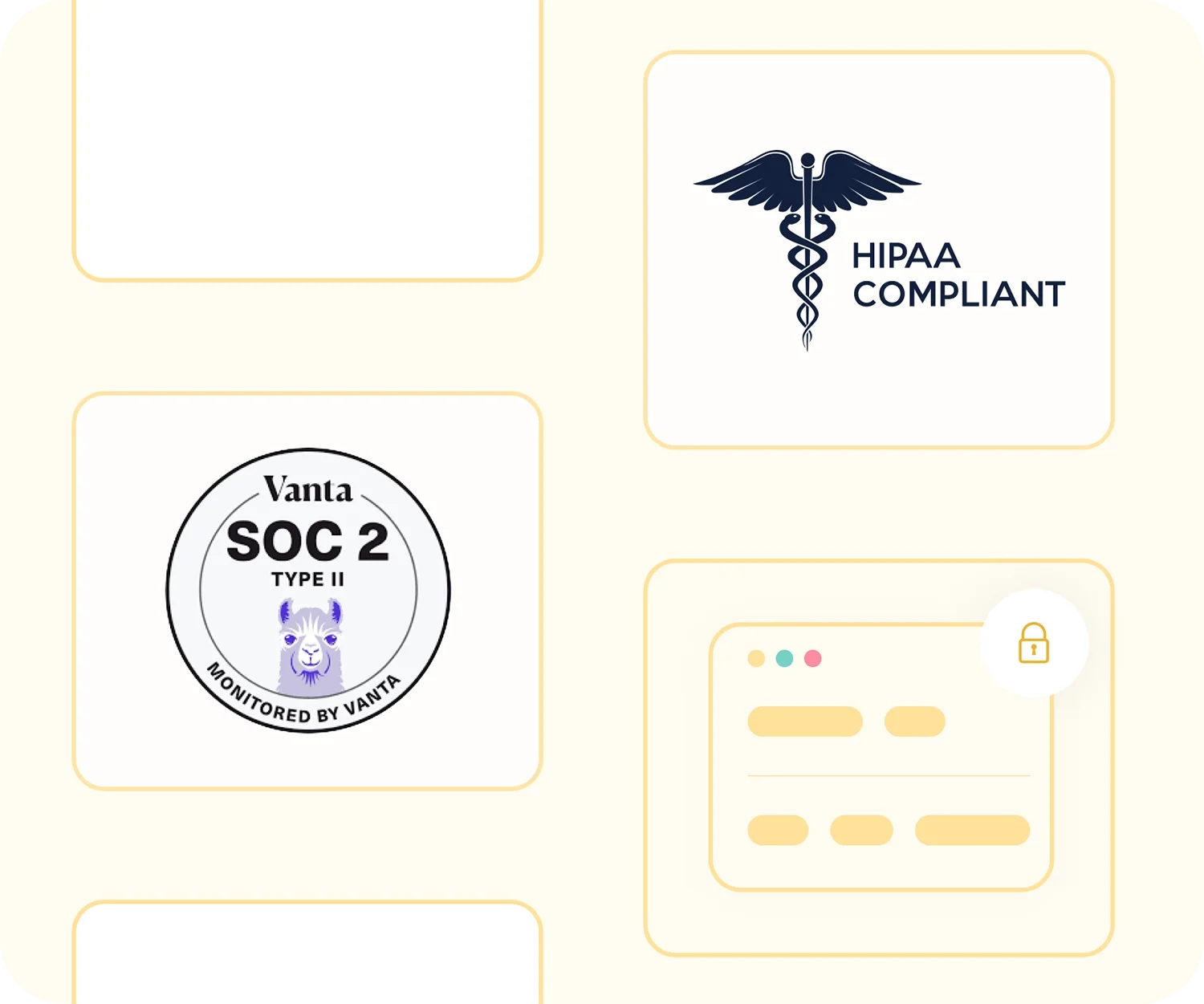
SOC 2 Type II certified and HIPAA compliant
Conclude provides enterprise-grade security and is SOC2 Type II certified and HIPAA compliant, having met the rigorous standards through Vanta Trust.
All your data is handled with care and encrypted using HTTPS with TLS 1.2 or higher. Learn more about our security protocols here.
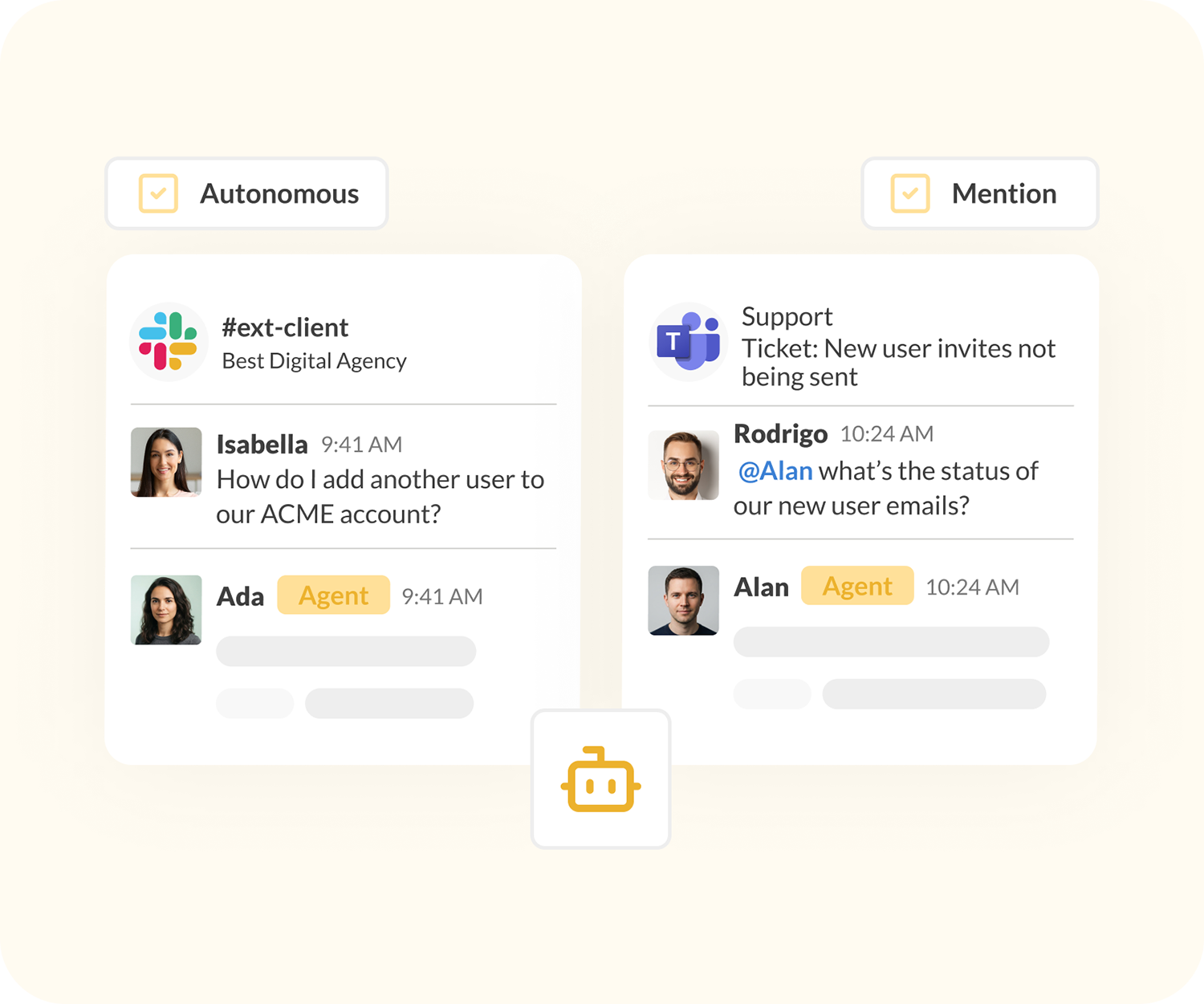
Use AI agents across connected Slack and Teams channels
Attach an AI agent to a Conclude app, or add it to a channel to answer questions or resolve support requests – once channels are connected, the same agent works across both Slack and Teams. Agents are optional and can be trained on relevant company knowledge.
Set it to respond only when @mentioned or autonomously depending on your settings – Conclude Agents will behave like any other helpful teammate.
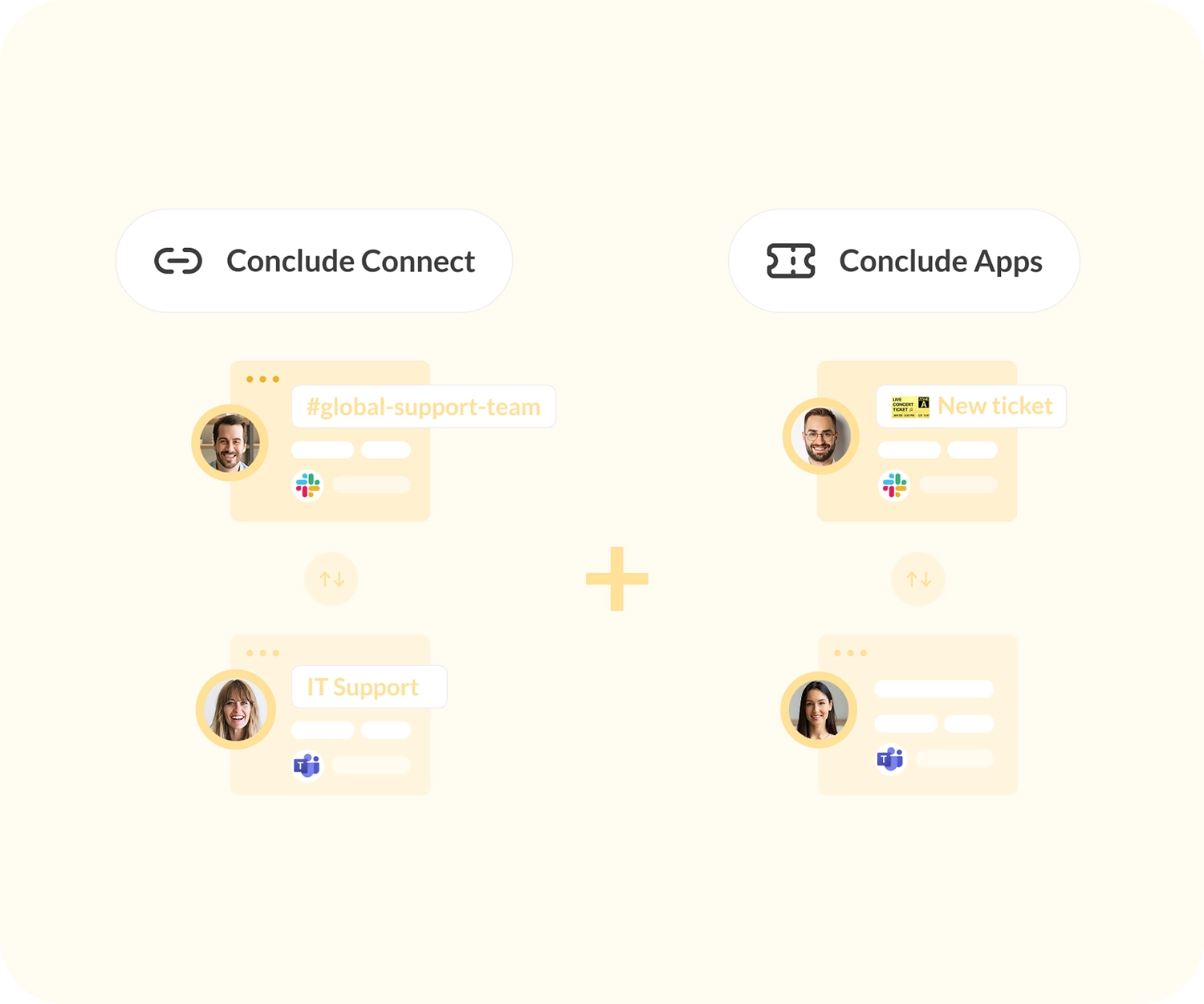
Connected Apps for cross-platform ticketing
Work on tickets, tasks and projects across Slack and Microsoft Teams. Also integrates with Jira and Zendesk.