
Collaborate across Microsoft Teams and Slack
Link internal channels and chats so your teams can work from their preferred platform, without missing important updates. Reduce silos and context switching with real-time messaging, file sharing and updates across Slack and Microsoft Teams.
Looking to connect with other companies? See our solution for external collaboration or see our intercompany bridge for deeper integration.
How to connect Slack and Microsoft Teams

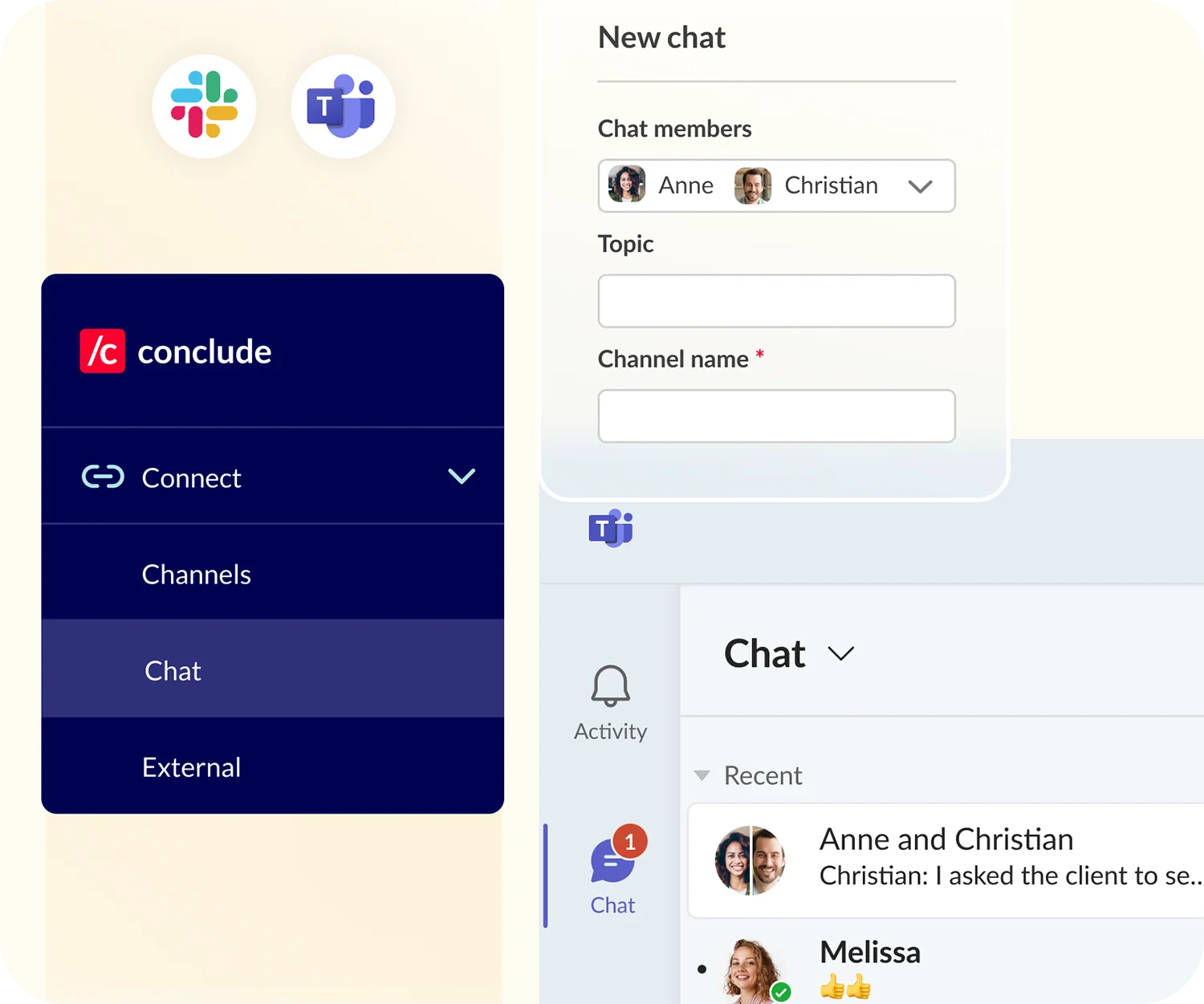
Set up internal chat connections fast
Conclude solves one of the biggest challenges in cross-platform communication by connecting Microsoft Teams chats with Slack channels.
Set up group chats and messages – without needing an account on both platforms. Use the /c chat create command in Slack to create a private channel in Slack and a group chat in Teams.

Reduce workplace silos and shadow messaging
Break workplace silos and eliminate costly shadow messaging by connecting Slack and Microsoft Teams across departments.
Use Conclude for better cross-team collaboration to improve visibility and productivity, while reducing duplication and context switching.
Key features
Synced reactions
Send and receive messages
Edit and delete messages
Sync threaded messages
Use emojis (inside messages)
Language translation (60 languages)
Connect Teams Chats with Slack
Use /c chat create for chats in Slack
Sync channels on both platforms
File and document sharing
@mention your colleagues
Rich text formatting
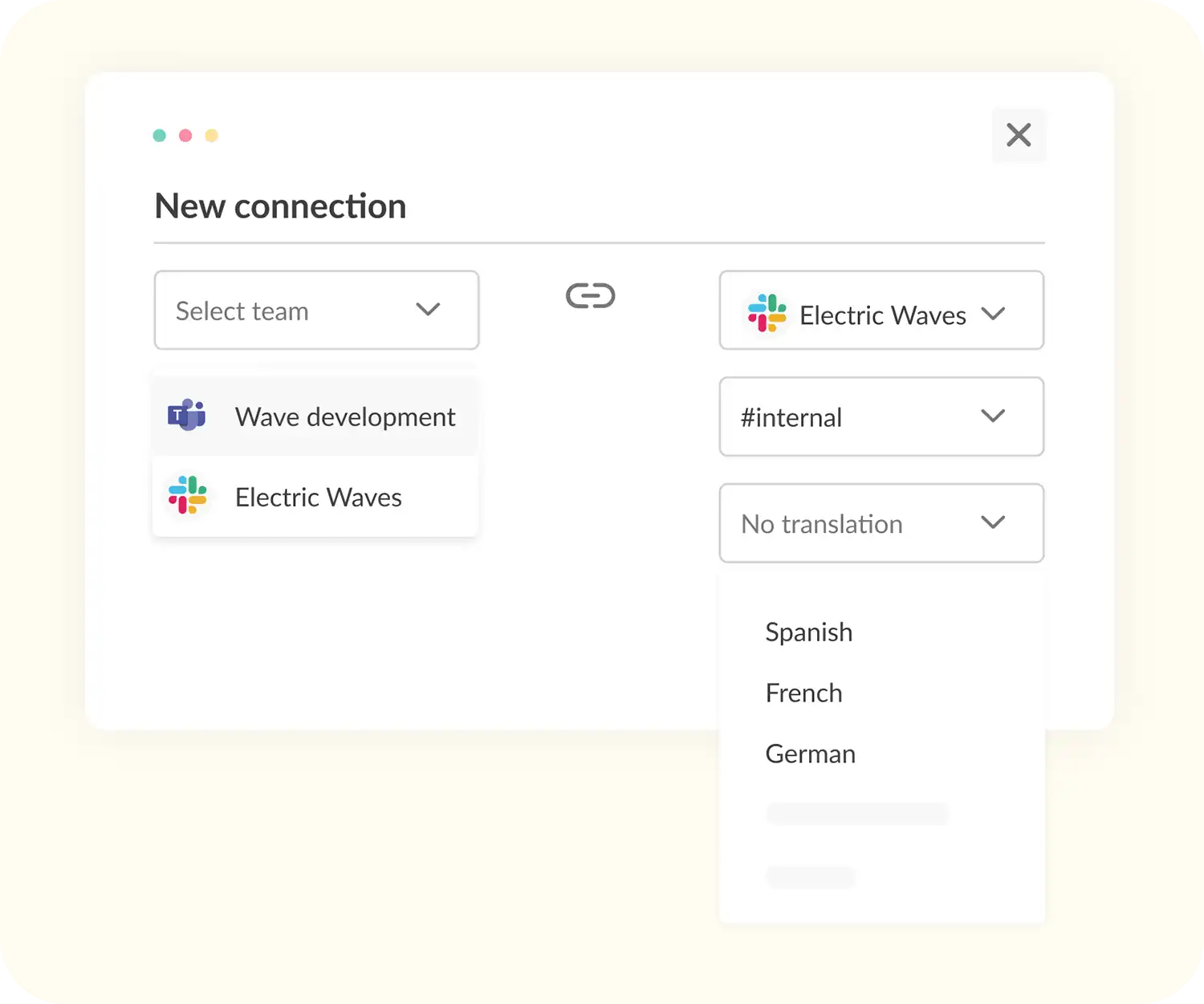
Translate chats in up to 60 languages
Let teams chat in their preferred language. Conclude’s language translation features support up to 60 languages and can be configured per channel.
Choose your preferred language when setting up a connection – or adjust it later in the settings – to reduce miscommunication from day one.
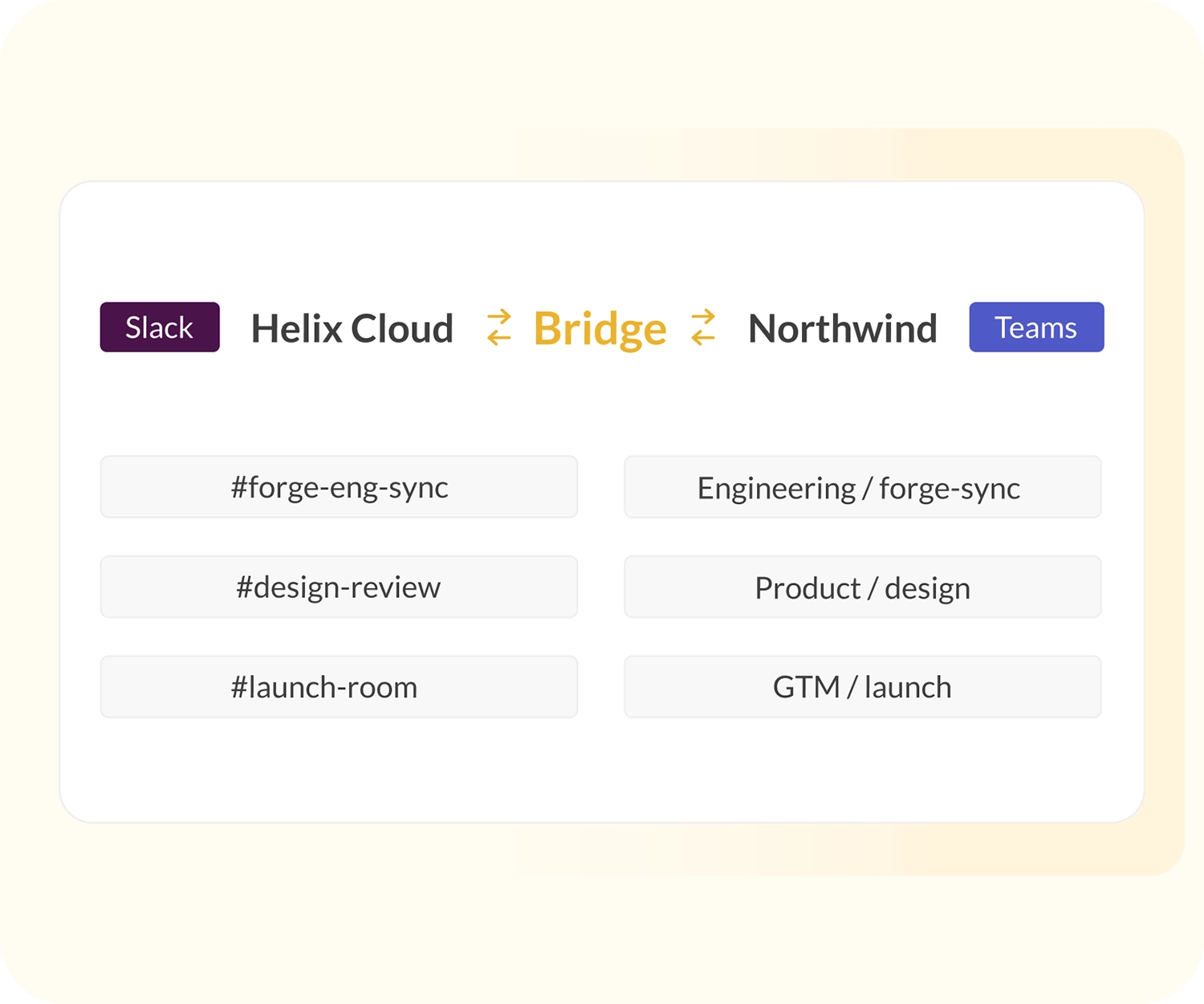
Conclude’s other collaboration solutions
As as well as workplace collaboration, you can use Conclude to connect with clients or set up an intercompany bridge.
Need more than chat and channel connections? Conclude solves all types of ticketing issues with apps for Slack and Microsoft Teams. See Conclude Apps, or Connected Apps for more.