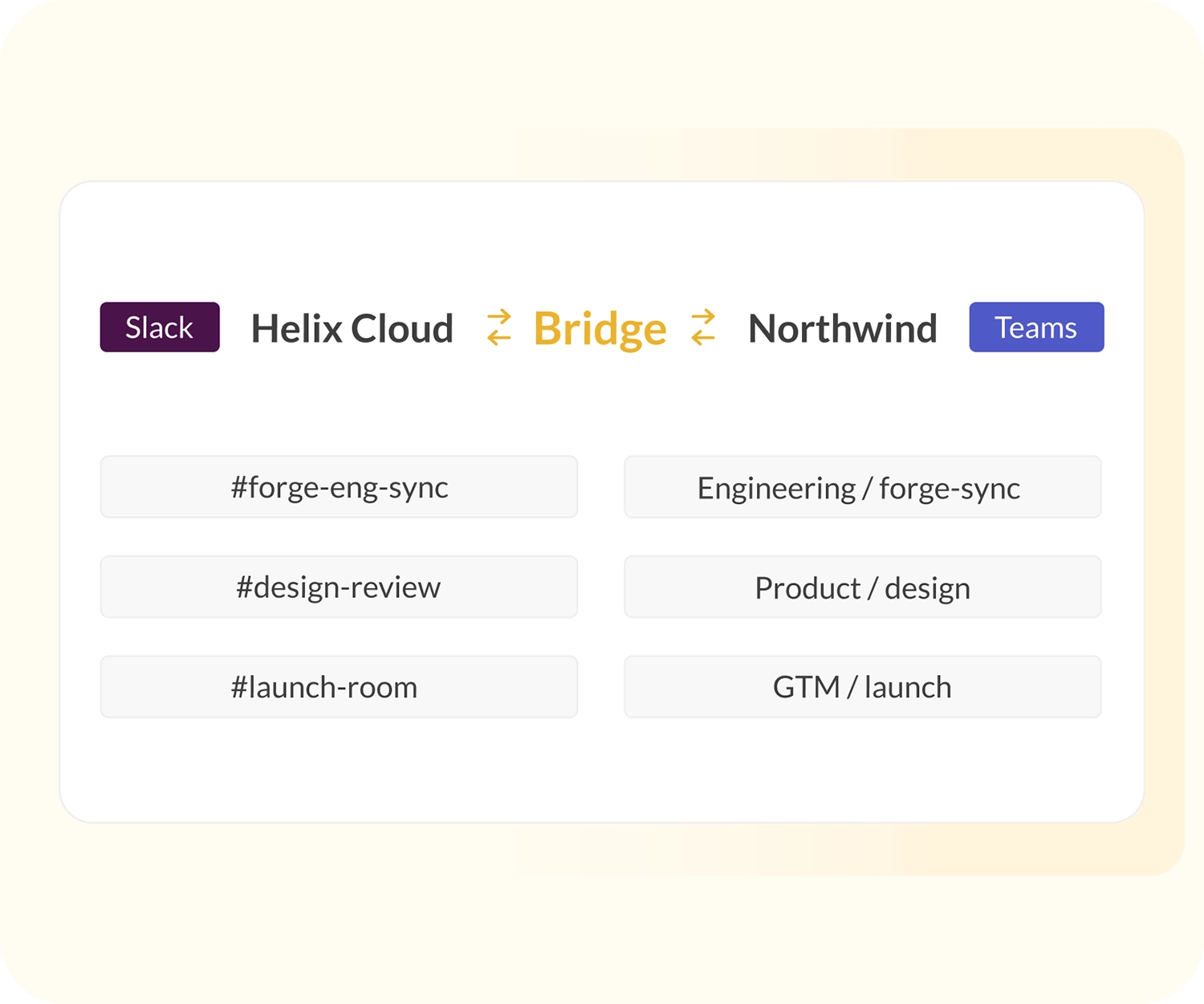
What is Conclude Bridge?
Conclude Bridge connects different Slack workspaces and Teams tenants – either outside your organization, or in the same organization when there are different admins. Multiple channel connections can be set up with one admin invite, while each side maintains control.
It is ideal for admins managing multi-team deployments, companies with different subsidiaries, companies navigating mergers and acquisitions, and established partner ecosystems.
How to set up a Slack Teams bridge

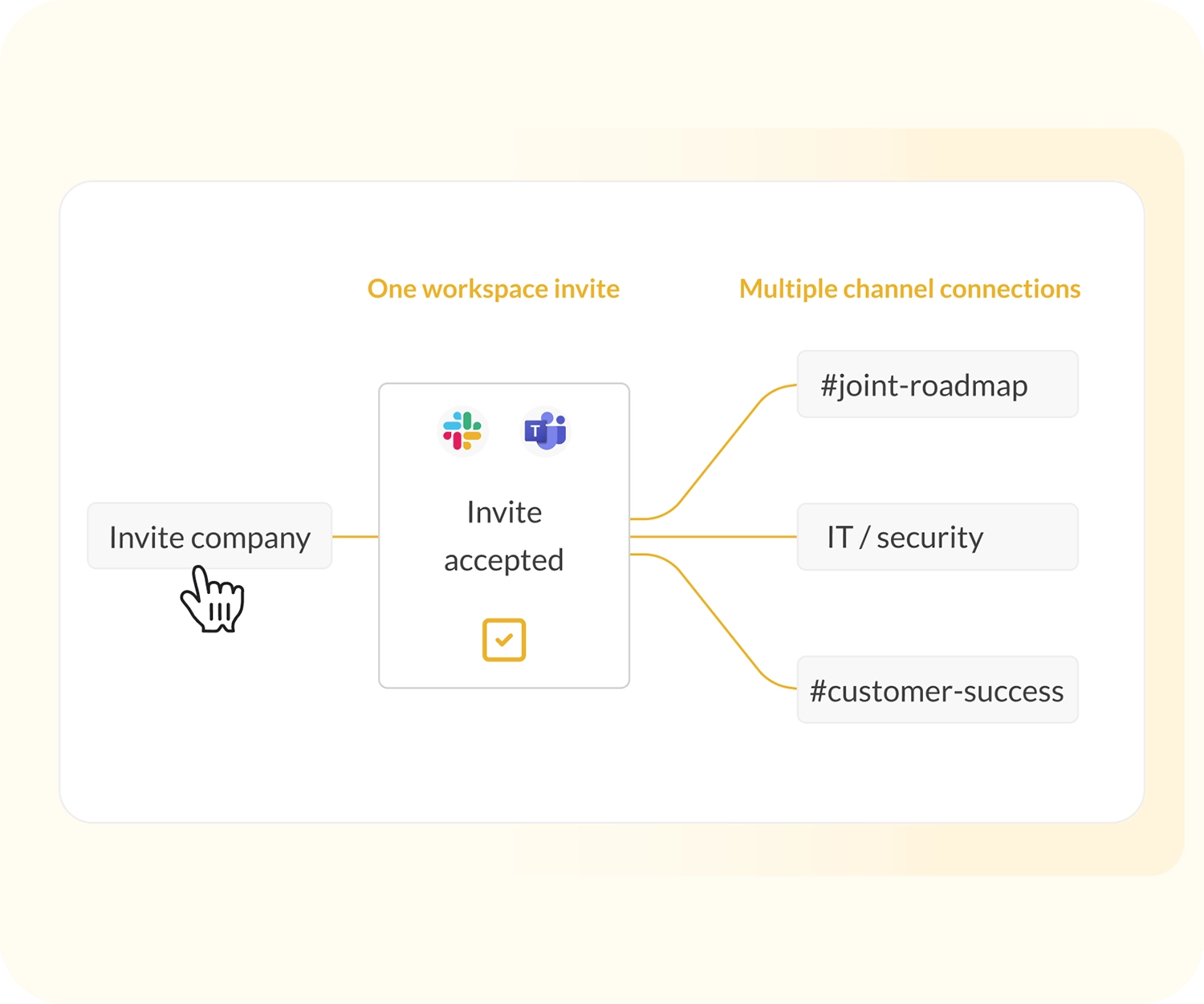
One invite, multiple channel connections
If you want secure, cross-company collaboration, with multiple channel connections, Bridge is the best solution. If you prefer a per-channel invite solution, our external collaboration solution is a better fit.
With Bridge, sending one invite enables workspaces to be connected – but no information is shared until you share and approve selected channel links. Conclude also provides granular security controls per channel connection for files, images and message syncing.
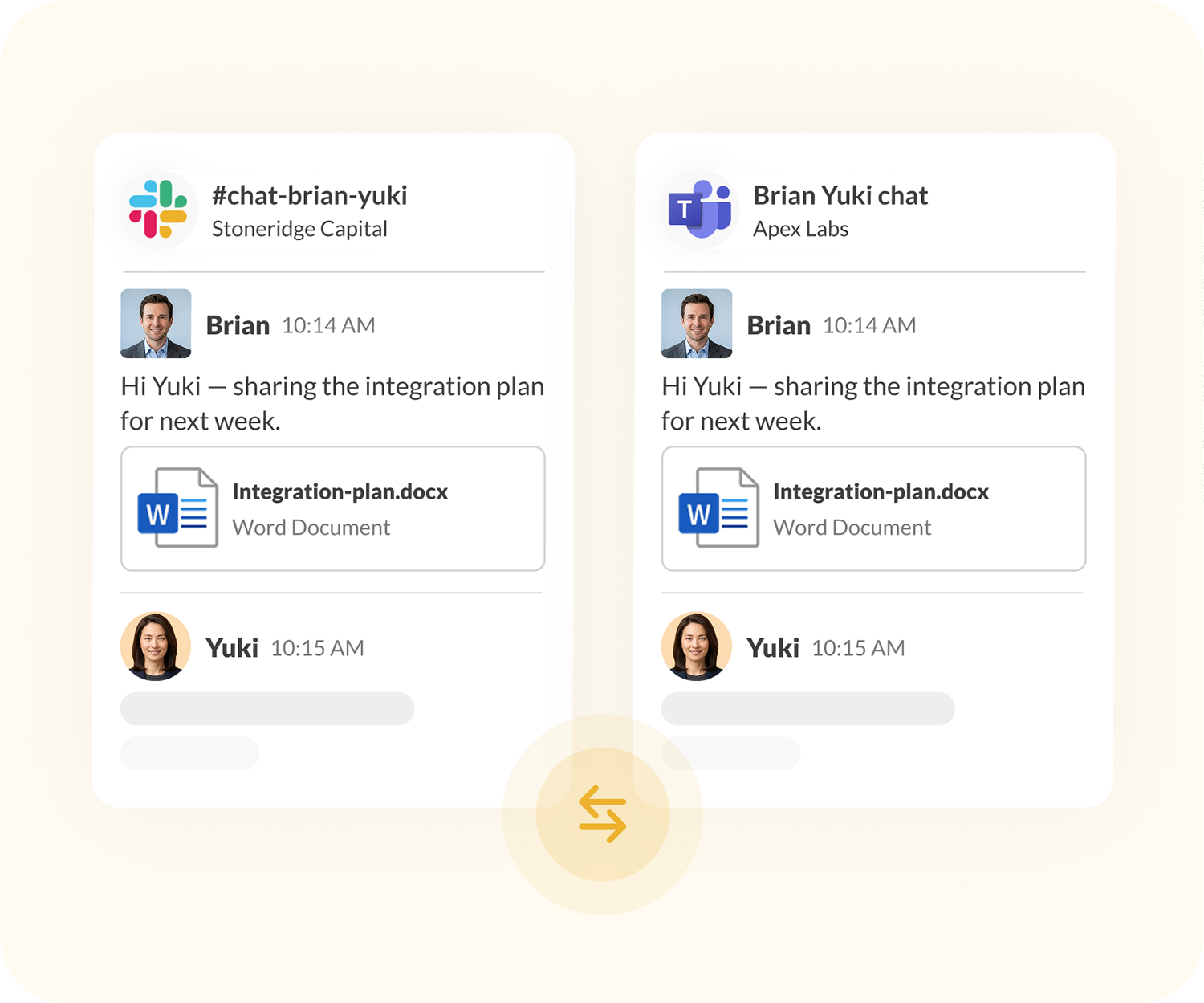
Set up cross-company chats
Bridge supports group chats between users across connected companies. IT admins can assign Bridge admin roles and control which users have chat access.
Once a Bridge connection is active, users with access can start a conversation with people at the connected company. Depending on the settings, messages, files, and @mentions will sync across both platforms.
How Bridge differs from External connections
 One invite per workspace or tenant
-
Connect unlimited channels no invite each time
-
Built for IT admins managing large-scale deployments
-
Ideal for M&As, subsidiaries and partner ecosystems
-
Quick to set up, external users don’t pay
-
Best when you only need one or a few channels
-
Ideal for agencies and client-facing relationships
-
No workspace-level relationship to manage
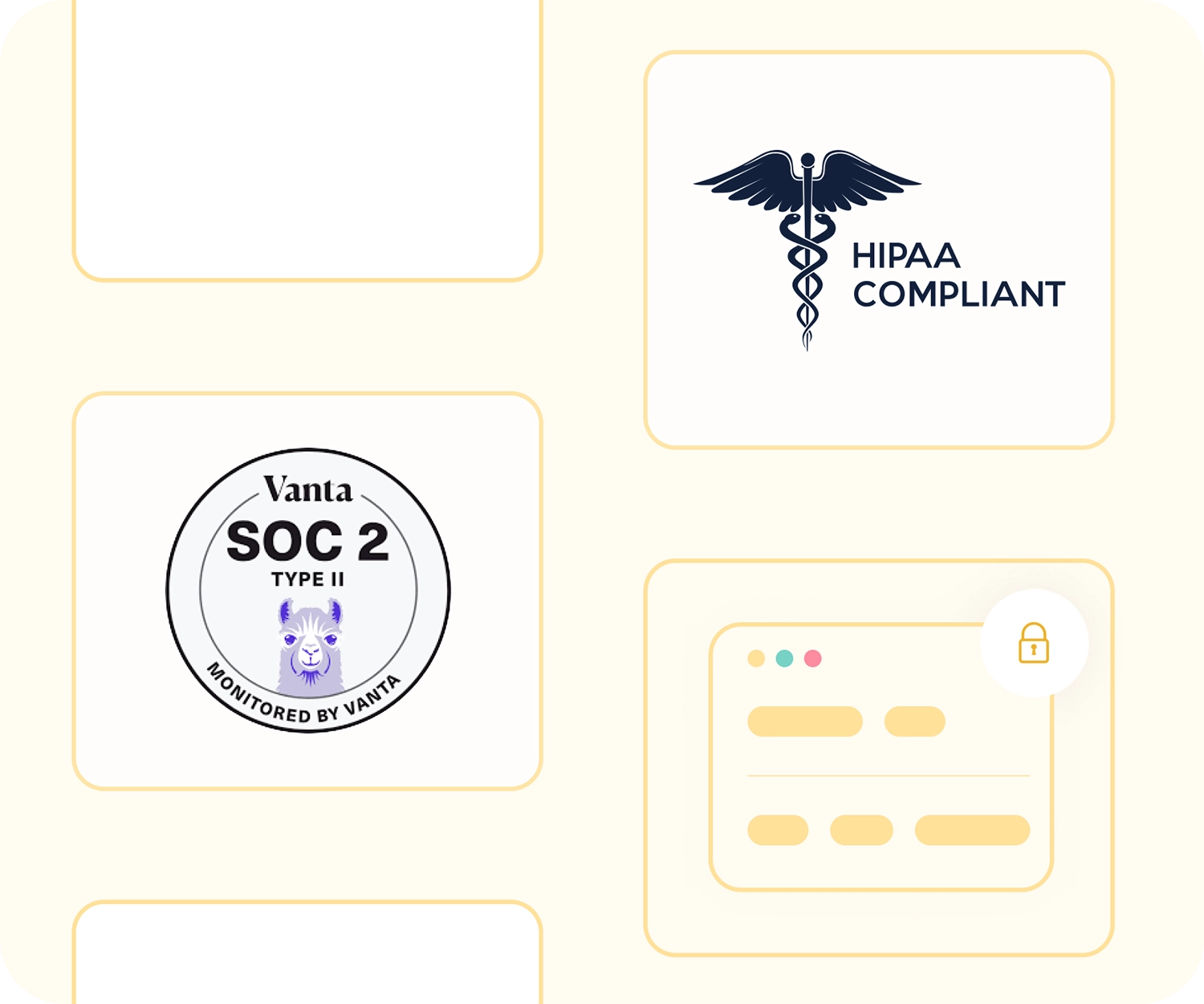
Enterprise-grade security compliant
Conclude Bridge meets the compliance requirements of large and regulated organizations. It is SOC 2 Type II certified and HIPAA compliant, reflecting our commitment to data security and privacy practices across all of our products.
All data is encrypted in transit and at rest. Connections are managed at the workspace or tenant level, giving admins full visibility and control over which teams and channels are linked. No message content is stored. See Security for more information.
Get started with Conclude Bridge

Step 1. Activate the Bridge solution from the Admin console

Step 2. An admin sends one invite to connect workspaces (Bridge is active once accepted)

Step 3. Start sharing the channels that you would like to connect (each company selects their own)

Step 4. Approve channel connections and set channel controls

Step 5. Set up a Microsoft Teams integration account if using Teams

Step 6. For full onboarding details, see the Bridge Quickstart Guide
Bridge for multi-team environments
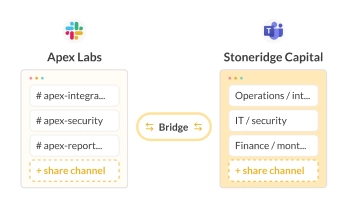
When two companies merge, getting people communicating quickly matters.
Bridge lets IT admins connect both organizations’ workspaces from Day 1, so teams can start collaborating in their existing tools without waiting for a full platform migration.
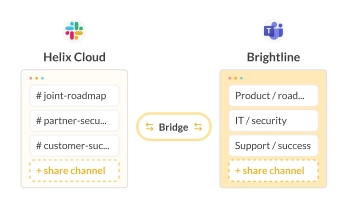
A solution to help maintain ongoing connections with partners across Slack and Teams.
Set it up once at the workspace or tenant level and add new shared channels as the relationship grows – without sending an invitation that needs to be approved each time.
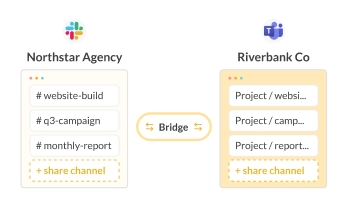
Agencies and consultancy companies with long-term client-facing accounts can also connect workspaces or tenants up front and share project channels as needed.
This reduces setup friction for both sides and minimizes the need for extra approvals.
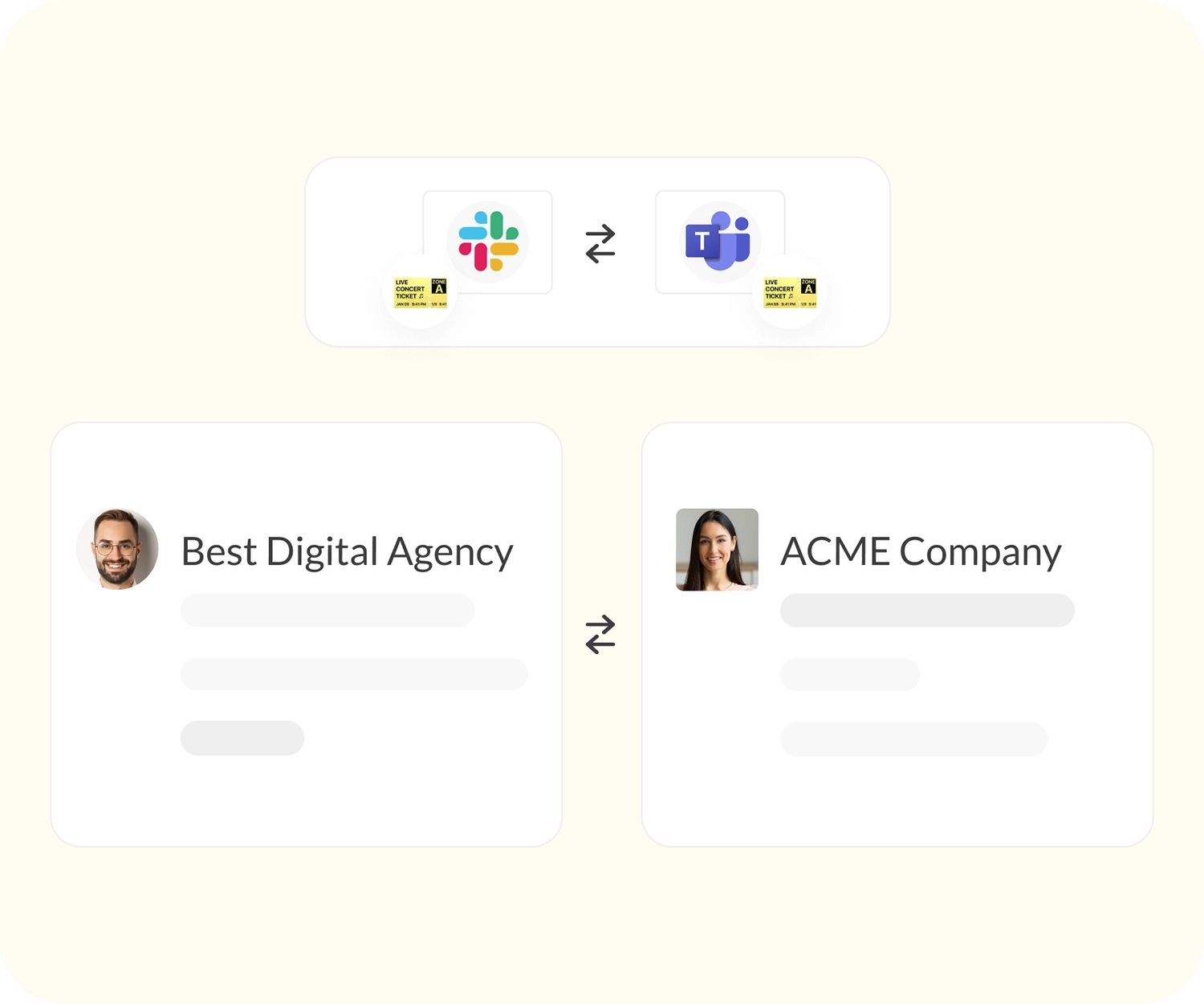
Conclude for ticketing and Slack-Teams collaboration
Bridge is part of our collaboration tools that integrate Slack and Microsoft Teams. Use Conclude Connect to link channels and chats in the same company, or connect with customers.
Conclude Apps brings no-code ticketing and task management directly into Slack and Teams, with integrations for Jira and Zendesk. Connected Apps combines both – syncing tickets and conversations across connected Slack and Teams channels in a single unified workflow.