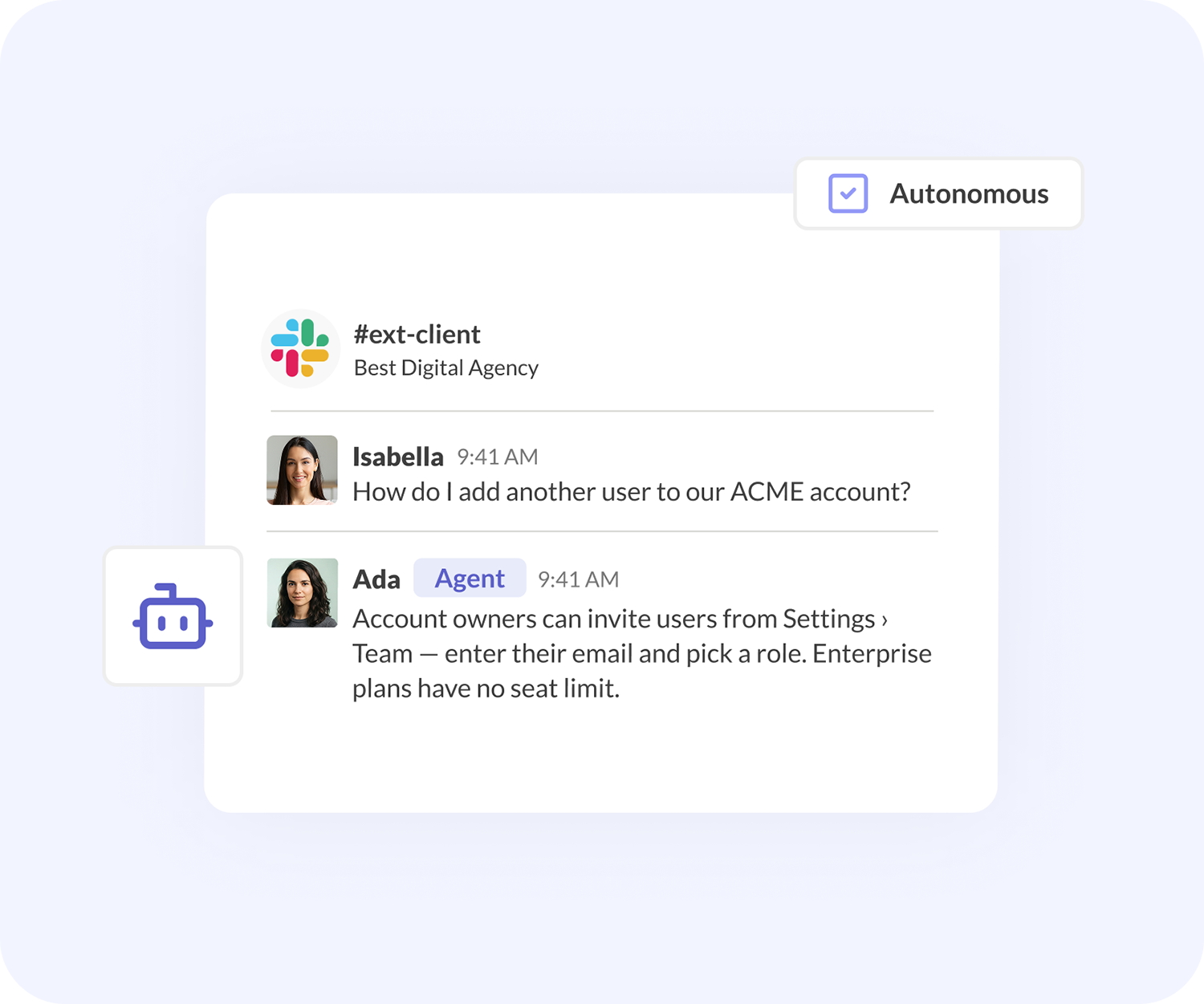
What are Conclude Agents?
Agents can answer questions and help resolve tickets, saving valuable time. Deploy an agent in a Slack or Teams channel, or attach it to a Conclude app, and it joins the conversation like any other member. Optionally, agents can be connected across Slack and Teams channels.
Helpful AI Teammates for Slack and Microsoft Teams

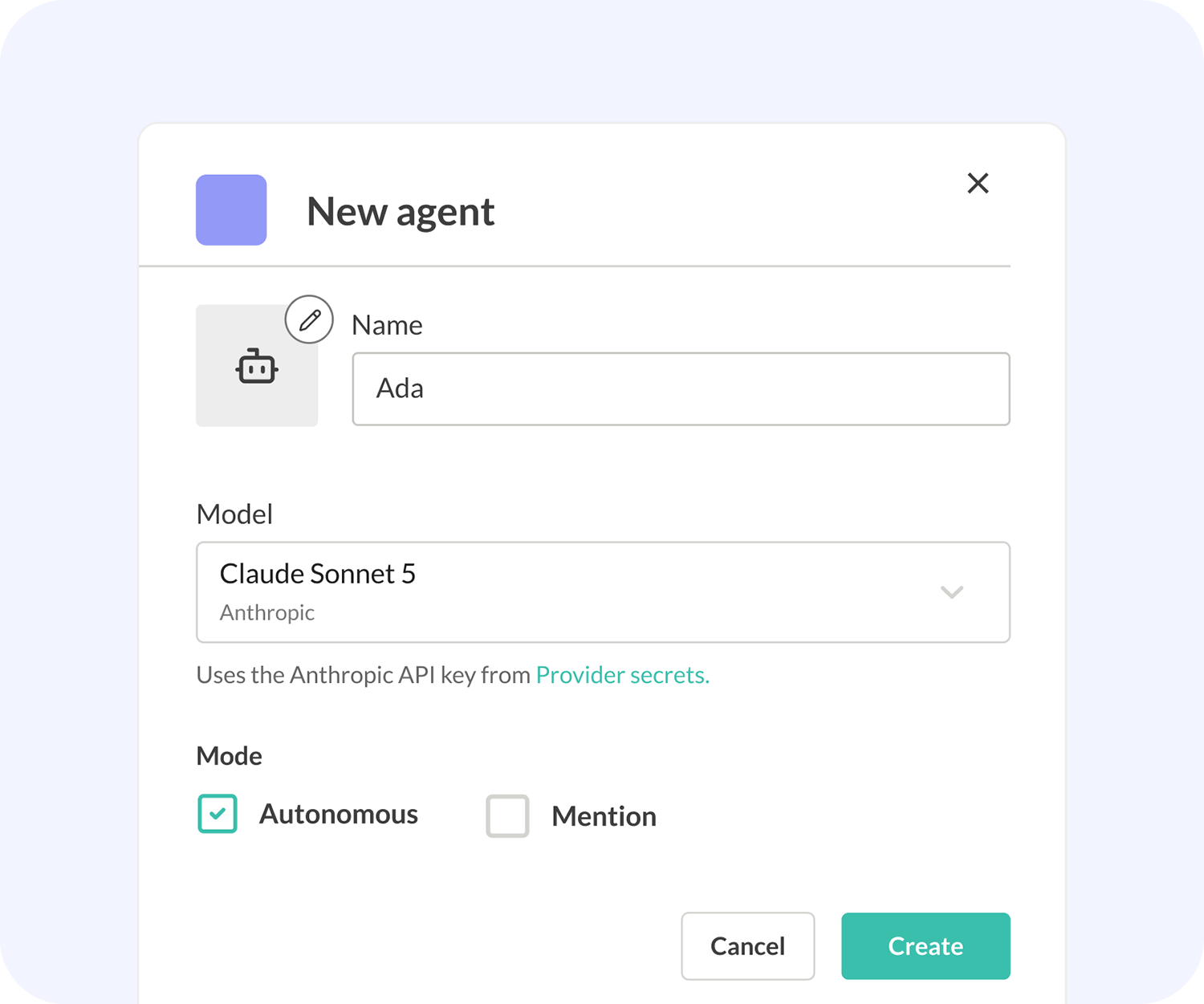
How AI teammates are built
Knowledge from your documents, web pages, and FAQs grounds its answers so the agent stays accurate and citable. Deployment and settings determine which channels and apps it’s active.
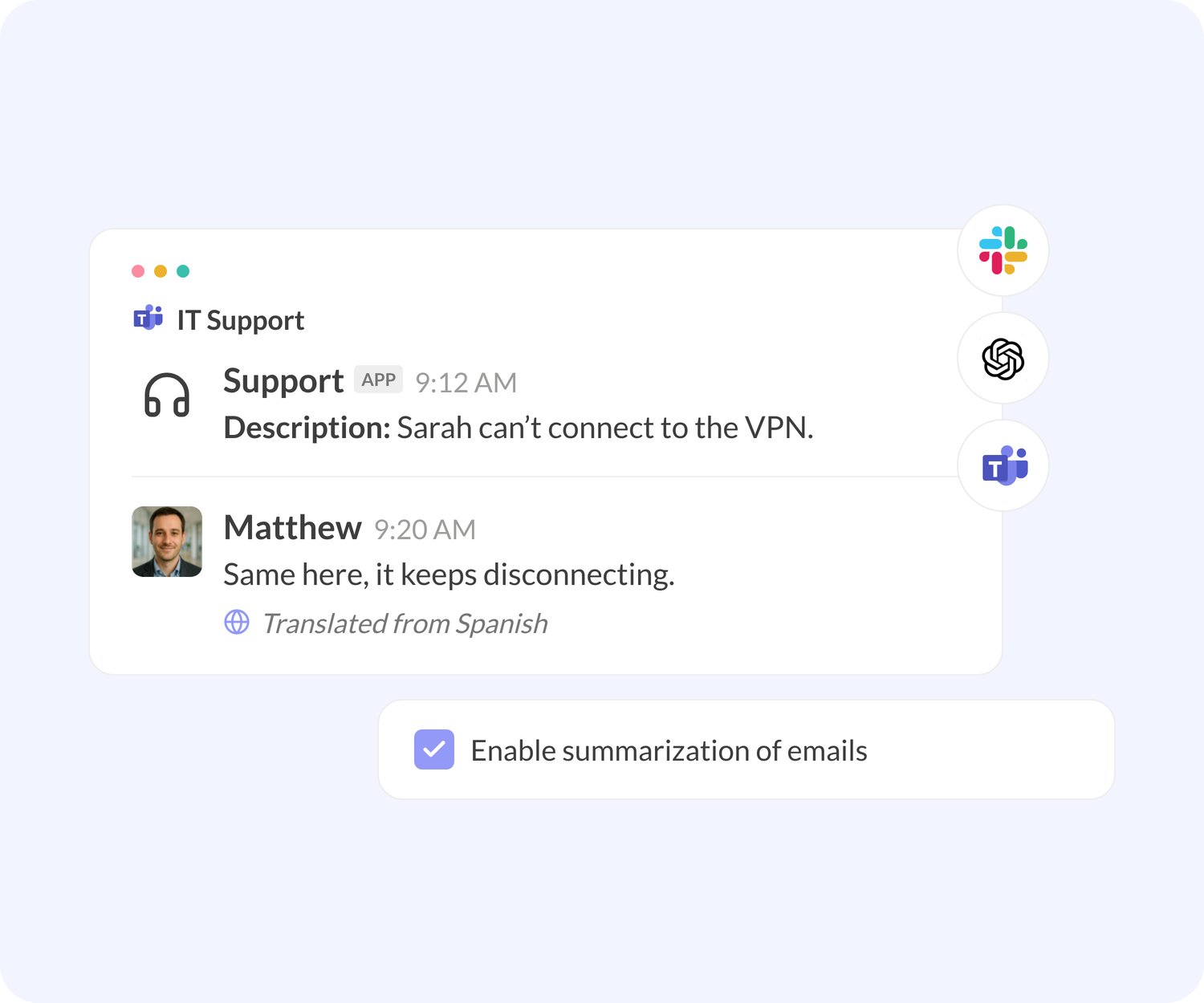
Additional AI features in Slack and Teams
Alongside Agents, Conclude includes optional AI features for that you can turn on from the Dashboard including email summarization and translation.
Summarize incoming emails into clear ticket descriptions using Conclude Apps, and translate messages and emails across 60 languages.
What can AI agents do?
 Join Slack or Teams channels or attach to Conclude apps
-
Run on Anthropic or OpenAI – or use your API key
-
Follow a role and instructions written in your tone
-
Work across connected Slack and Teams channels
-
Fully cited answers from your own knowledge base
-
Speak when @mentioned, or jump in autonomously
-
Stay within limits, like max comments and length
-
Appear as a teammate with its own name and photo
Get started with Conclude Agents

Step 1. Add a provider secret (optional)

Step 2. Create a knowledge collection

Step 3. Create an agent, manually or with AI

Step 4. Configure it – role, model, mode, knowledge, limits

Step 5. Deploy it – to a channel, an app, or both

Step 6. Test it – @mention or confirm it behaves as expected
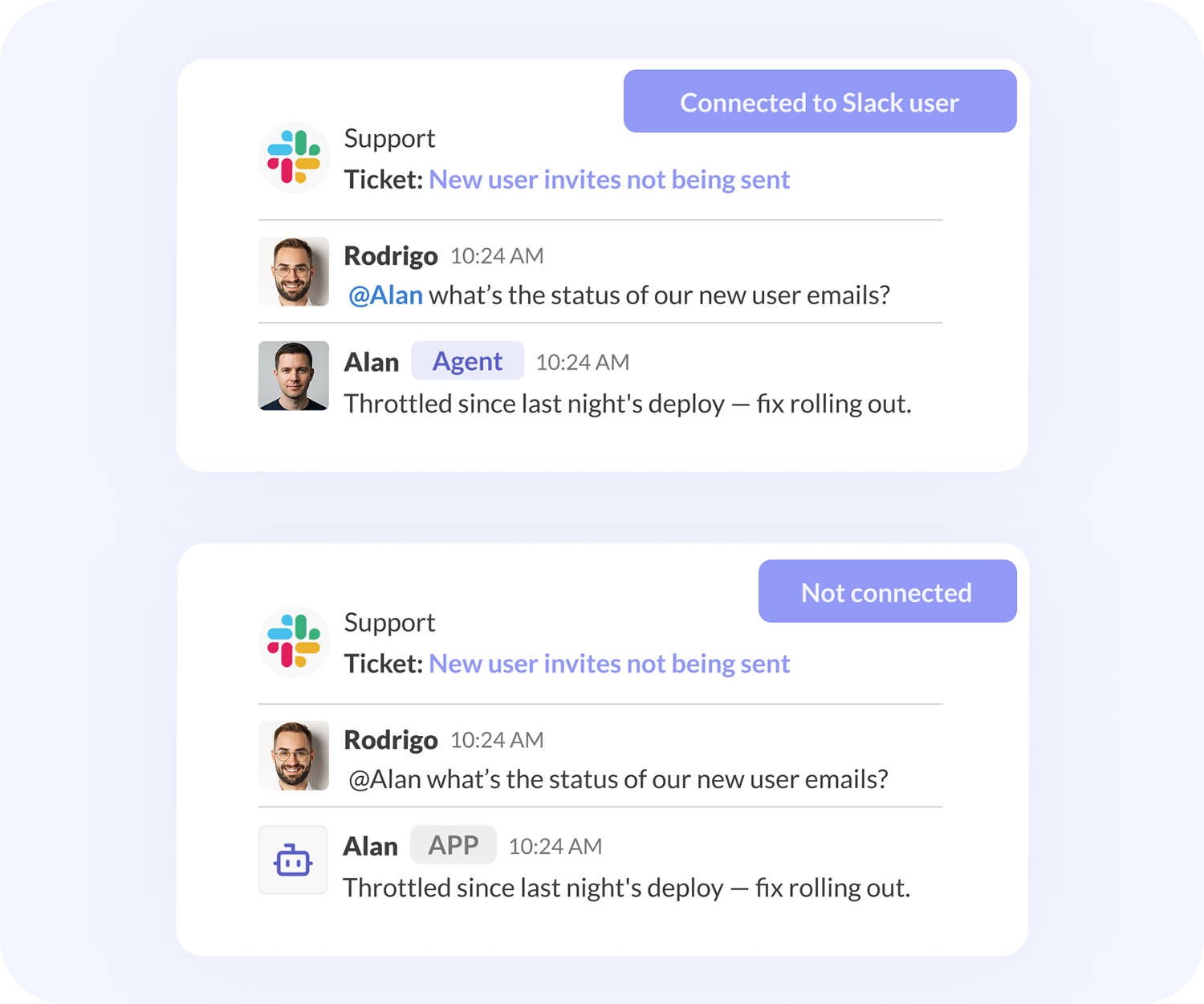
Where can an AI agent be deployed?
In a channel (not connected to a user): the agent participates like a teammate but is not listed as a member; it must be @mentioned by exact name and won’t auto-complete.
In a channel (connected to a dedicated user): the agent is added as a member with its own name and photo, and @mention auto-completes.
Attached to an app: the agent responds to ticket comments, either only when named or autonomously. It is not added to a channel.
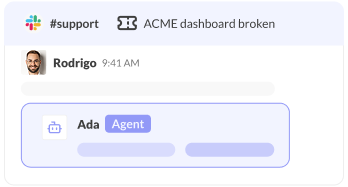
Customers expect fast, accurate answers nowadays.
An agent can be part of a channel or app. Grounded in knowledge from your docs, they can answer common questions or resolve tickets directly.
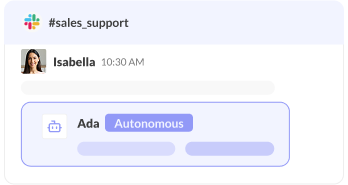
Sometimes the best help is the help nobody had to ask for.
Set an agent to autonomous mode and it will watch a channel, recognize when it can be useful, and jump in with an answer – no @mention required.
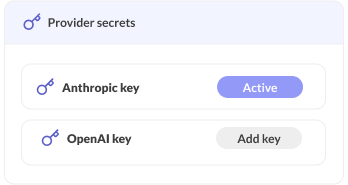
Some teams want support without losing control of usage.
Add your own Anthropic or OpenAI provider key, and your agents run on your account and billing; Conclude handles the setup and deployment.
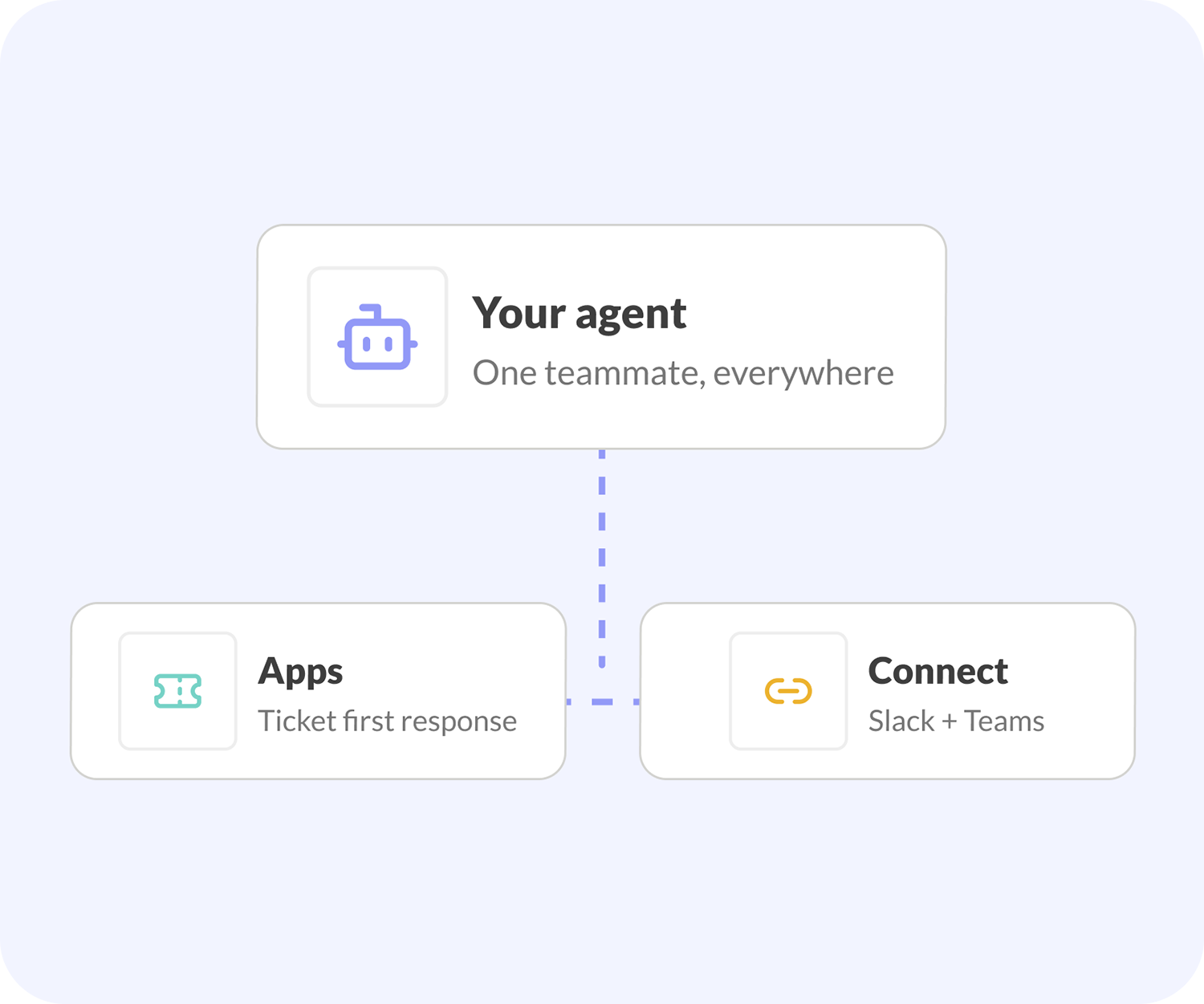
How Agents work with Connect and Apps
Agents work alongside the rest of the platform. Use Apps to manage tickets directly in Slack and Teams, and let an agent handle the first response.
Use Connect to bring agents into connected Slack and Teams channels – so the same AI teammate can help wherever your team is talking.