A Slack and Teams Productivity Framework: Beyond the Toggle Tax
 Conclude Team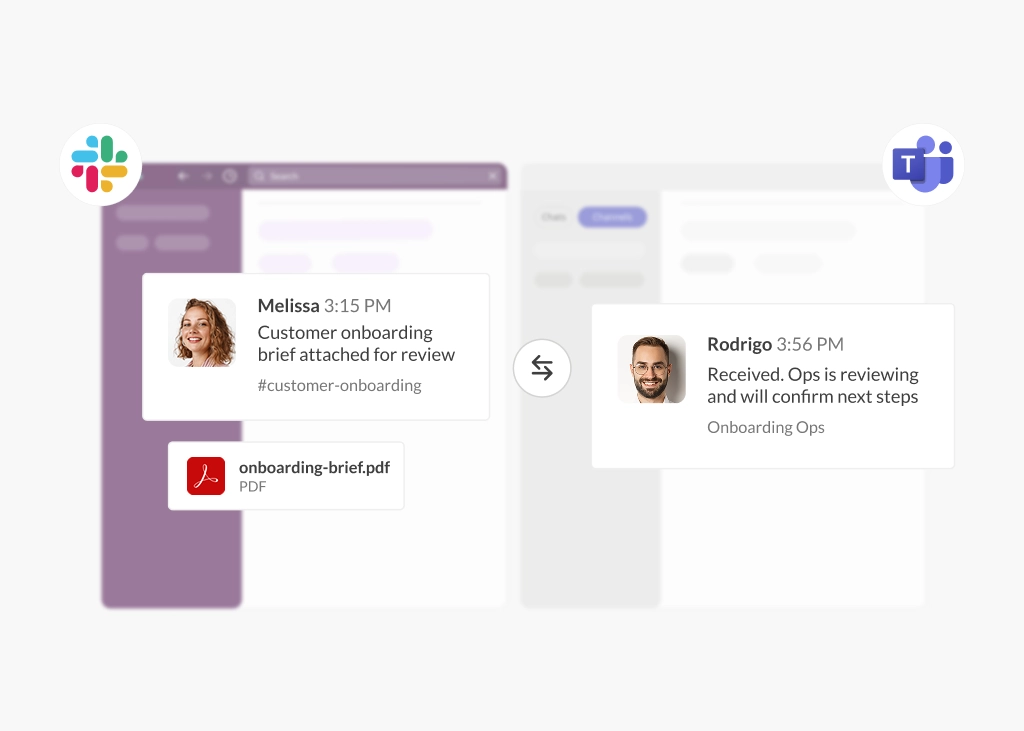
If your organization uses both Slack and Microsoft Teams, the productivity cost is not just tool sprawl. It is the operational drag created when employees have to switch platforms to check messages, confirm status, find files, or loop in stakeholders. In a dual-platform environment, Slack and Teams productivity depends less on better habits and more on better workflow design.
The data behind this digital debt in the workplace is significant. According to the Microsoft Work Trend Index (2024), 68% of employees already struggle with the pace and volume of their work, spending roughly 60% of their time inside Microsoft 365 just managing emails, chats, and meetings. Furthermore, Asana (2025) found that an incredible 58% of the average workday is spent on “work about work.” Employees estimate that, with better operational processes, they could reclaim 4.9 hours each week.
If both platforms are here to stay, the question is not how to force everyone into one system, but how to support cross-platform communication workflows, making it easier for teams to work where they already are. In this guide, we look at a practical framework for identifying high-friction intersections, bridging the conversations that matter most, and reducing the “toggle tax” caused by context switching at work.
The Hidden Cost of the Refocus Penalty
Every time an employee leaves one application to check a message, update a ticket, or confirm status in another, the loss is greater than the switch itself. According to Harvard Business Review (2022), the average digital worker toggles between applications nearly 1,200 times a day, losing almost four hours a week to reorientation alone.
In a dual-platform environment, that penalty compounds quickly. Research from Qatalog and Cornell University found that it takes an average of 9.5 minutes to return to a fully productive workflow after switching between digital applications. When an engineering manager working in Slack has to keep checking Teams for cross-functional updates, those interruptions add up fast.
In an interview, Conclude’s CEO, Haavard Nord, highlighted the need to solve this at the structural level. Instead of forcing employees to jump between scattered tools, he suggests building an environment where the conversation is already happening: inside chat.
Identifying High-Friction Intersections
Before you start bridging conversations, identify where cross-platform fragmentation is creating the most friction. The goal is not to audit every message thread, but to spot patterns, where teams living in different chat ecosystems must coordinate on time-sensitive work.
These are your high-friction intersections – points where tickets, escalation threads, approvals, or project updates move across platforms, and delays have real operational consequences. In practice, these are the cross-platform communication workflows where missed context or slow handoffs cause the most damage. Some common examples include:
1. Support + Product and Operations
Support and CSM work in Zendesk and Slack, while Product and Operations sit in Teams. Ticket context gets split across tools, and someone ends up manually reposting updates or chasing status across platforms.
2. M&A Integration Windows
An acquired company runs on Slack while the parent company runs on Teams. M&A integration teams have to monitor both platforms, while leadership updates and readiness decisions are duplicated, delayed, or missed.
3. Engineering and IT Incident Response
Engineering often manages incidents in Slack, while IT, Security, or other leadership stakeholders need visibility in Teams. Critical updates are shared across separate threads, which slows coordination and increases the risk of missed information.
Treat Interoperability as a Productivity Lever
Once you have mapped your high-friction intersections, the next step is to treat interoperability as more than a technical connection. Used well, it becomes a practical way to improve Slack and Teams productivity by reducing unnecessary switching and keeping people in the tools they already use.
The core principle is simple: bring the message to the user. Slack users should stay in Slack, and Teams users should stay in Teams.
By syncing messages between selected channels or chats, employees can stay informed and respond without toggling. For teams that need direct, real-time chat interoperability, Conclude Connect provides this.
For example, Support or Operations can raise an escalation in Microsoft Teams while the relevant Engineering team continues the discussion in Slack. Both sides see the same conversation, and engineers don’t need to open Teams to respond.
To turn this into a measurable productivity gain, start small and be selective:
- Bridge only the three to five connections identified in your mapping exercise
- Prioritize workflows with a clear owner, frequent cross-platform interaction, and a high cost when updates are delayed e.g., customer escalations, budget blockers, or incident response
When interoperability is managed this way, it becomes a targeted productivity strategy. It reduces context switching and operational friction, while giving IT and Ops teams a clearer way to monitor and manage those connections over time.
Reduce “Work About Work” by Connecting Chat to Your Systems
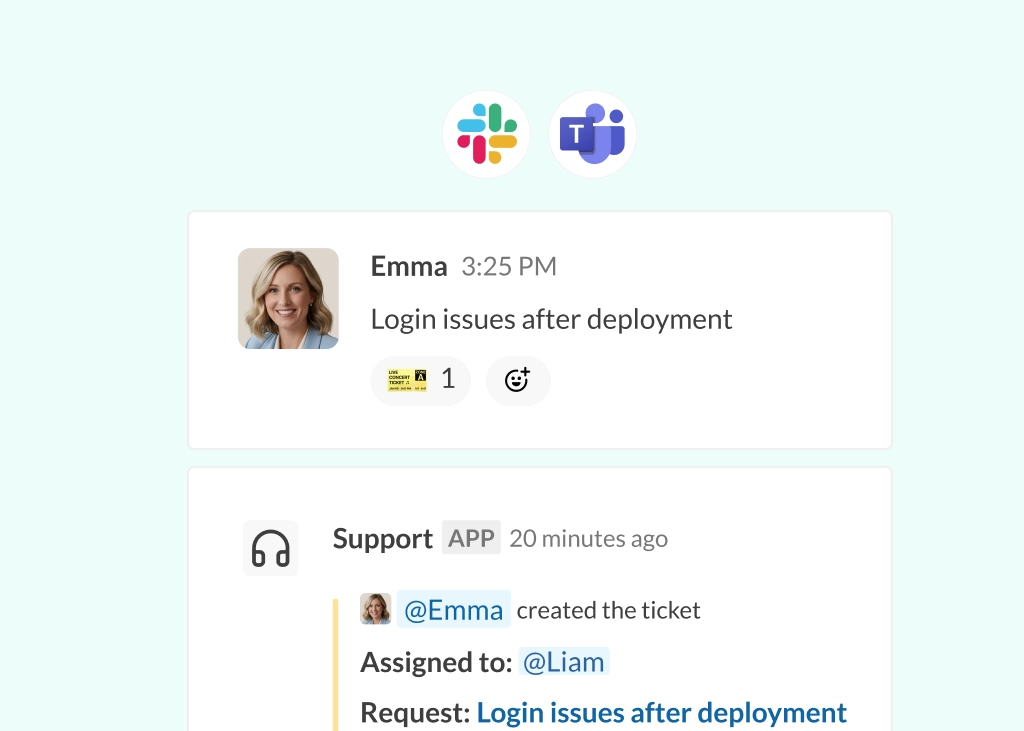
Bridging Slack and Teams reduces platform switching, but teams still lose time when tickets, status updates, and supporting context sit outside chat. That is where a second layer matters: connecting the systems where work is actually tracked.
As Asana found, employees still spend a large share of the week on “work about work” rather than meaningful progress and estimates that it costs teams 4.9 hours per week.
Conclude Apps helps reduce that overhead by bringing ticketing into Slack and Teams using a range of existing app templates (e.g. Support, Helpdesk, Bug Tracking and more). It also includes a Jira integration for Slack, (Microsoft Teams coming in April 2026), as well as a Zendesk integration for Slack and Teams, which keeps support workflows closer to the conversation.
The next step is Connected Apps (coming in April 2026). Instead of keeping app activity inside one platform, Connected Apps will extend ticketing workflows across connected Slack and Teams channels and chats. Teams on both sides will be able to follow the same ticket, Jira, or Zendesk activity in context, without manual reposting or separate status checks.
For IT and Ops leaders, the value is straightforward: fewer status pings, less duplicated admin, and a clearer path to Slack and Teams productivity across both conversations and the systems behind them.
Staying Secure: Why Bridging Beats Guest Account Sprawl
Relying on guest accounts to connect Slack and Microsoft Teams may seem workable at first, but it creates governance and administrative overhead that becomes harder to manage at scale.
Guest users are external identities, and while they have restricted permissions by default, they can sometimes be granted broader access over time. Microsoft outlines those guest user risks and permissions here.
Microsoft’s Zero Trust guidance also recommends limiting who can invite guests and restricting what those accounts can see in the directory. You can see that guidance on protecting tenants.
Use a Bridge to Connect Platforms
A dedicated bridging solution provides a more secure alternative because it allows users to stay safely inside their home tenant. That applies whether you are uniting departments internally or connecting with partners, vendors or customers. In either scenario, governance, retention policies, and compliance controls remain fully native to Slack and Teams.
Crucially, Conclude is not a third system of record. Conclude Connect does not store user messages or files. It retains only the minimal operational metadata needed for syncing and diagnostics.
For teams evaluating enterprise-grade controls, Conclude follows a minimal-permissions approach, with TLS 1.2+ for data in transit, AES-256 encryption for operational metadata at rest, and support for SOC 2 Type II, HIPAA, and GDPR requirements. See more detail in this post on enterprise communication security for Slack and Teams.
Guest access still has a place in some scenarios, but for high-volume cross-platform communication, a secure connection layer is usually the cleaner and more scalable model.
Launch a Focused Pilot
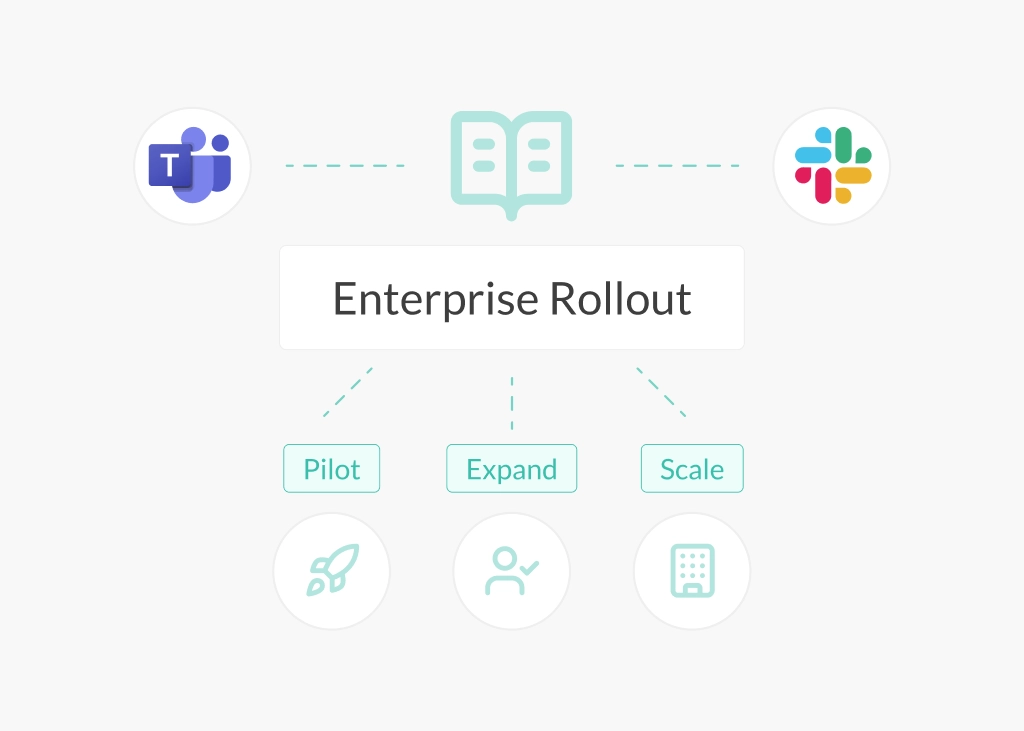
This framework is meant to be practical from the start, but that does not mean rolling it out across the whole organization at once. A focused pilot is usually the better approach: one department, a small number of stakeholders, and three to five high-friction workflows where cross-platform collaboration is already causing delays.
IT and Operations are often the best place to begin. They sit close to incident response, approvals, escalations, and cross-functional updates, which makes them a strong test case for whether your Slack and Teams productivity strategy is actually reducing friction.
A realistic pilot could look like this:
Weeks 1–2: Map and prioritize
Identify the three to five workflows where platform switching is creating the most drag. Focus on interactions with a clear owner, frequent cross-platform coordination, and a real cost when updates are delayed.
Weeks 2–4: Bridge and connect
Set up the selected Slack and Teams connections and introduce one or two supporting workflows. You could use the Jira integration for bug tracking, or deploy Conclude’s Incident Management app. You can also explore AI summarization features to convert incoming emails to support tickets, saving time.
Weeks 4–8: Normalize and measure
Once the pilot is running, look at whether teams are spending less time chasing updates, manually reposting context, or switching platforms just to stay informed. Use the Conclude Dashboard to track configurable metrics for ticketing. The goal is not to chase arbitrary productivity metrics, but to reduce the friction built into day-to-day workflows and create a clearer operating model across both platforms.
A pilot like this gives IT and Ops leaders something more useful than a theoretical productivity argument. It shows where bridging and connected workflows are actually improving response times, reducing “work about work,” and making Slack and Teams easier to run together.
Ready to put it into action? Get started with Conclude free for 14 days.
Frequently Asked Questions
How much productivity is lost to switching between Slack and Teams?
The cost is not just the click between platforms; it’s the refocus time that follows. According to Harvard Business Review, the average digital worker toggles between applications nearly 1,200 times a day, losing almost four hours a week to reorientation alone. Research from Qatalog and Cornell University found that it takes an average of 9.5 minutes to return to a fully productive workflow after switching between digital applications.
What are high-friction intersections in a Slack and Teams environment?
High-friction intersections are the points where teams working in different chat environments need to coordinate on time-sensitive work. Common examples include support escalations, IT incident response, engineering handoffs, and M&A integration workflows. These are the moments where context gets split, updates are delayed, and teams end up doing manual coordination work across platforms.
How does Conclude Connect reduce the need to switch platforms?
Conclude Connect acts as a secure bridge between selected Slack and Teams by syncing messages between specifically configured channels or chats. The principle is simple: bring the message to the user. Slack users stay in Slack, Teams users stay in Teams, and both sides can follow the same conversation without constantly switching tools. This is especially useful in environments where platform switching between Slack and Teams is already slowing work down.
Can Conclude Apps automate ticket updates across Slack and Teams?
Conclude Apps brings tools such as Jira and Zendesk into Slack and Teams so teams can create, update, and track work from within chat. The upcoming release of Connected Apps in April 2026 will extend that model further by supporting ticketing workflows across connected Slack and Teams environments, reducing manual reposting and separate status checks.
Is bridging more secure than using guest accounts for cross-platform communication?
While guest accounts are useful for targeted scenarios, relying on them at scale for daily communication creates administrative overhead and a sprawl of external identities that can be difficult to govern. A bridging model simplifies security by allowing users to remain within their home tenant. This ensures that your existing data retention, compliance, and governance policies apply natively to Slack and Teams. You can read more about that approach here: Slack and Teams compliance and enterprise communication security.