Conclude vs Zapier: Which Handles Slack and Teams Integration Better?
 Sian Bennett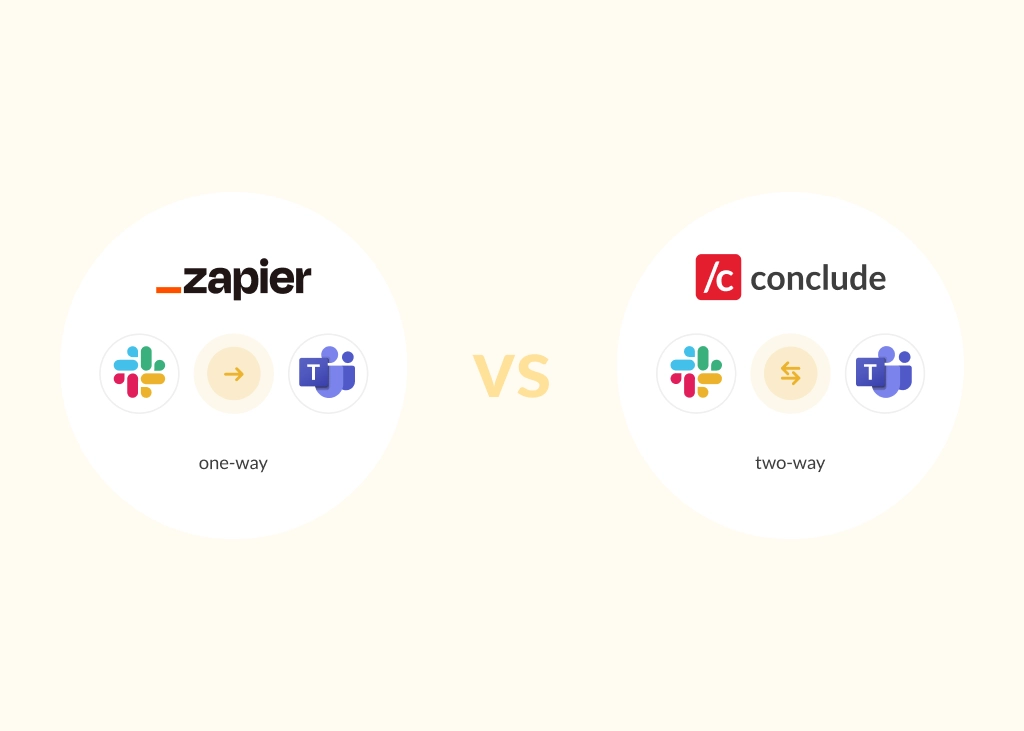
If your teams are split between Slack and Microsoft Teams, you’ve probably tried to bridge the gap with an automation tool like Zapier. For simple, one-way alerts, it works well, but when your engineers are triaging incidents in Slack while your partners or customers live in Teams – and every reply, file, and mention needs to sync in real-time – Zapier falls short.
This article compares Conclude vs Zapier, focusing on two-way Slack and Teams integration, ticketing workflows, security, and admin control so you can choose the right tool for your situation.
When Zapier Works Well
Zapier is a well-regarded tool for a wide category of automation tasks. With connections to 8,000+ apps and a no-code interface, it’s the go-to for teams that need to move data between tools quickly, e.g., posting a Slack notification when a form is submitted, or logging a CRM event to a spreadsheet.
Zapier’s strengths:
- Extensive app library: 8,000+ integrations covering email, CRM, project management, support, social, and more
- No-code interface: Non-technical users can build ‘Zaps’ (trigger-action workflows) without writing code
- Good flexibility: Supports multi-step Zaps across several apps, reducing manual repetition for routine tasks
Where Zapier Falls Short for Slack and Teams Integration
Zapier’s trigger-action model works well for one-way data transfers. When you need ongoing, conversational sync between Slack and Teams, its limitations are notable:
1. One-Way, Delayed Notifications Only
Zapier can post a message from Slack into Teams (or vice versa), but there is no native support for continuous, bi-directional chat threads. A reply in Teams does not automatically appear in Slack. File attachments, reactions, and @mentions don’t carry across platforms. In practice, this means your teams are still siloed (just with occasional one-way pings).
2. No Native Cross-Platform @Mentions or Thread Continuity
For Slack-Teams collaboration to feel natural, people need to see who sent a message and be able to reply in-thread. Zapier can forward message text, but cross-platform identity and thread structure are not preserved, making it unsuitable for day-to-day cross-team communication.
3. Maintenance Overhead at Scale
Each workflow is a separate Zap. And with larger organizations that have more channels, more teams, and more integrations, that means dozens of individual Zaps that each need to be monitored and maintained. There is no centralized console for managing and auditing them collectively.
4. Cost Escalation
Zapier’s pricing is based on the number of tasks performed. For teams running high-volume synchronization or Zaps across multiple channels, costs can grow rapidly and unpredictably, making budgeting difficult.
What Conclude Does Differently
Conclude solves the problem that Zapier does not: real-time, two-way collaboration across Slack and Teams. The Conclude platform has several solutions.
Conclude Connect for Slack and Teams Interoperability
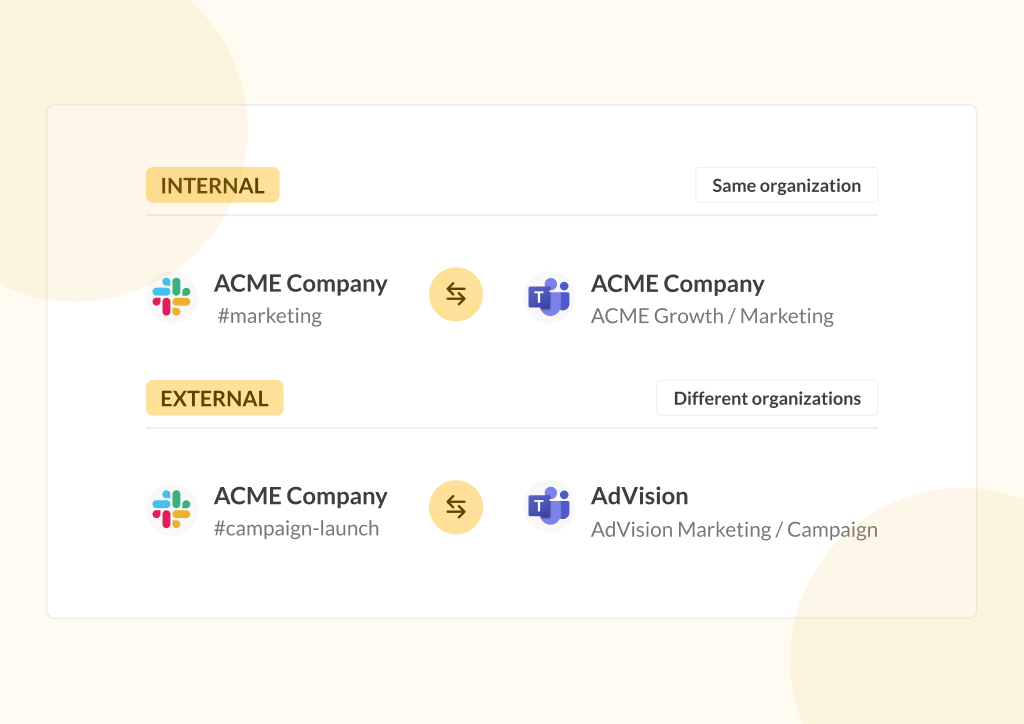
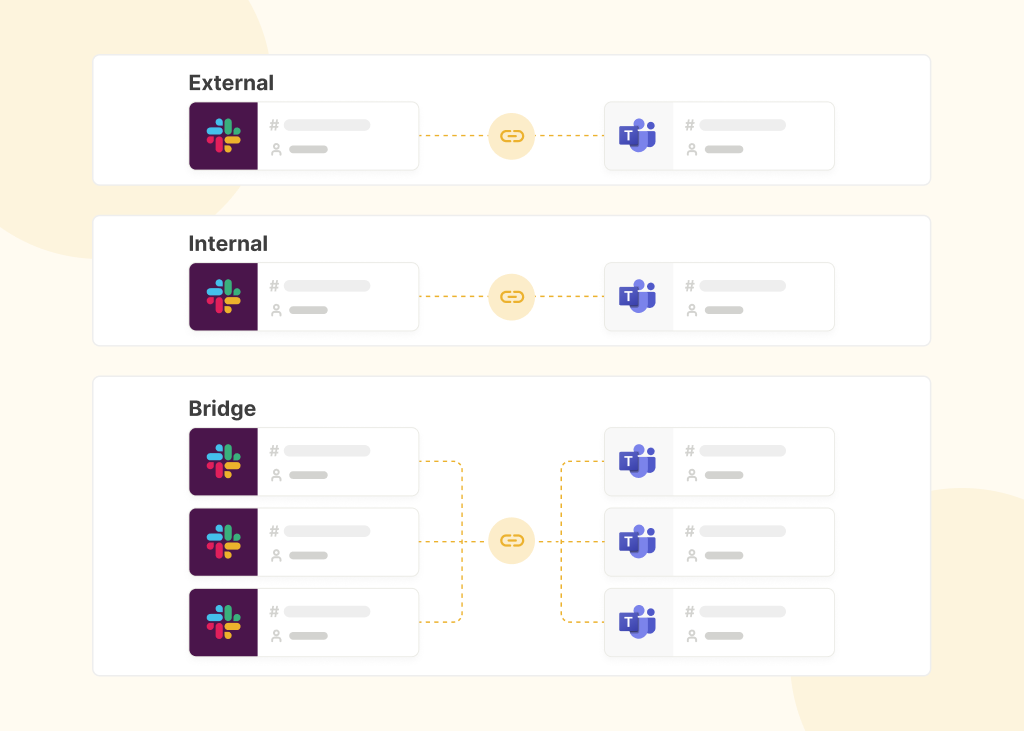
Conclude Connect creates a bridge between Slack channels and Teams channels and chats. Every message, reply, file, image, and reaction syncs bi-directionally in real-time. A Slack user stays in Slack, while and a Teams user stays in Teams.
Real-world scenario: your company has gone through a merger, and you need to connect with colleagues across your organization that use different workspaces and messaging platforms. With Conclude Connect, a thread started in a Slack syncs immediately into a mapped Teams channel – including all replies, file attachments, and reactions. When the team member replies in Teams, the response appears instantly in Slack. This solution also works for external communication with vendors, partners, and clients.
Conclude Apps for Ticketing with Integrations
Conclude Apps handles tasks and ticketing within Slack or Teams allowing you to create and update Jira tickets, manage Zendesk cases, and run support or incident workflows directly from Slack or Teams. This is the capability most comparable to Zapier’s workflow automation, but is purpose-built for chat-native ticketing.
Real-world scenario: your engineering team works on Slack, but your client is on Teams. With Conclude Apps and Zendesk, teams can provide high-touch support, turning chats into tickets with a ticket emoji and syncing these with Zendesk.
Security, Governance, and Admin Control
Data Handling and Compliance
For IT leaders evaluating any tool that touches workplace communication, security matters as much as features. Conclude Connect acts as a secure connection layer between Slack and Teams. Message content and governance remain native to each platform – Conclude Connect only retains the minimal operational metadata required to sync channels. Learn more here.
Conclude is certified SOC 2 Type II and HIPAA compliant. Conclude requests minimal permissions from each workspace, which is a meaningful contrast with tools that ask for broad workspace read/write access to function.
Centralized Admin Console
Unlike decentralized Zap management, Conclude provides a centralized Admin console where IT administrators can:
- Configure global or channel-specific sync rules
- Control whether attachments, images, and message headers (incl. email addresses) are included
- Audit active connections across the organization in one place
This level of governance is a key differentiator for enterprise IT teams managing multi-workspace environments. See Conclude’s security page for more details.
Conclude vs Zapier: Side-by-Side Comparison
Action | Zapier (General Automation) | Conclude |
Sync type | One-way trigger/action | Real-time, bi-directional syncing |
Chat thread continuity | Not supported natively | Full thread sync, including replies and reactions |
Cross-platform @mentions | Not supported | Supported |
File & attachment sync | Limited | Configurable per channel/attachment type |
Maintenance overhead | High: multiple Zaps to manage at scale | Medium: centralized Admin console with granular controls |
Security | Broad workspace permissions typical | Minimal-permissions, SOC 2 Type II & HIPAA |
Admin control | Decentralized, per-Zap | Centralized Admin console with global rules |
Pricing model | Per task/connection; costs scale sharply | Predictable subscription; scales without task fees |
Other Zapier Alternatives Worth Knowing
Several tools are commonly mentioned alongside Zapier for Slack and Teams automation. They’re worth knowing about, but share the same fundamental limitation for chat interoperability:
Make
Make offers a visual, node-based workflow builder that’s more powerful than Zapier for complex multi-step automations. It’s better suited to developers and ops teams who want detailed control. However, like Zapier, it does not natively support continuous bi-directional chat sync between Slack and Teams.
Integrately
Integrately focuses on speed and simplicity, with one-click integration templates. It’s a reasonable Zapier alternative for straightforward automations, but it has the same one-way, trigger-action constraint for chat workflows.
Appy Pie
Appy Pie extends beyond automation into no-code app development, making it a broader platform. For Slack-Teams interoperability specifically, it does not offer native bi-directional chat sync.
All three are solid general-purpose automation tools. If your goal is true, real-time, two-way chat collaboration across Slack and Teams using a secure, compliant platform, none of them replaces a dedicated chat interoperability solution.
Which Is The Best Solution?
Choosing Zapier vs Conclude is a question of what ‘integration’ means for your team. Zapier is the right choice for one-way automation across thousands of apps. It’s fast to set up and works well for notifications, data syncing, and task automation between tools that don’t need to ’talk back’.
Conclude is the right choice when your teams are split across Slack and Microsoft Teams and need to collaborate in real-time, with full thread continuity, file sync, cross-platform mentions, security compliance, and centralized admin control. It’s also the right choice for teams who want conversational ticketing with Jira or Zendesk built into their daily Slack or Teams workflow.
Ready to bridge Slack and Teams? Start a free 14-day trial or book a demo to see Conclude in action.